Google Ads lead forms: leads reach sales the same minute
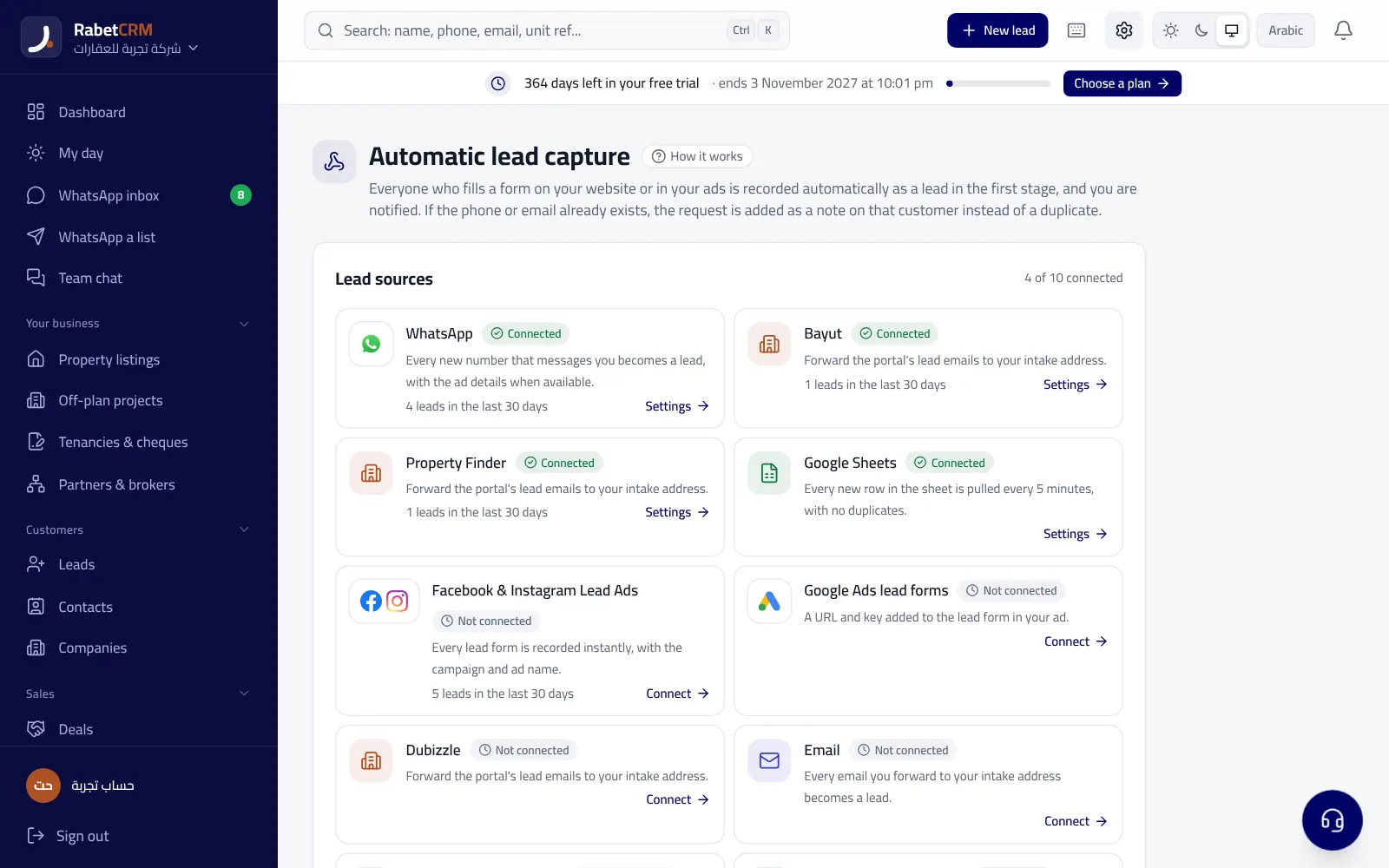
Google Ads lead forms keep data inside the ads account, and if nobody downloads it the lead goes cold. RabetCRM gives you a webhook URL and key to add to the form, so every lead arrives in the CRM immediately and is handled like any new lead.
Last updated:
Setup in 3 steps
- In Lead capture, open Google Ads and copy the webhook URL and key.
- In Google Ads open the lead form → webhook integration, paste them and send test data.
- From then on every new lead appears in Leads with source “Google Ads”.
After a lead arrives
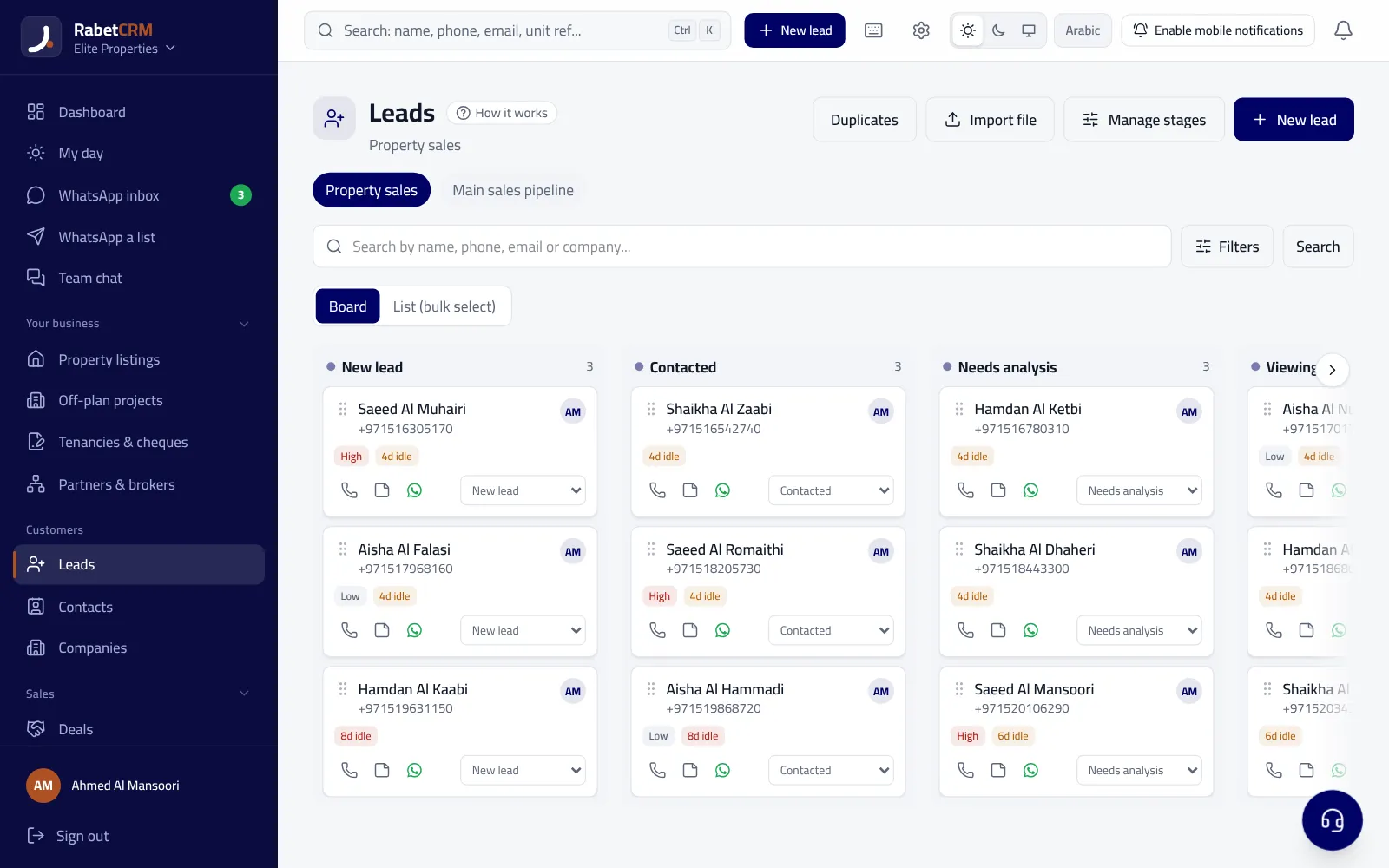
It's routed to an agent per your routing settings, gets a WhatsApp welcome if enabled, and if nobody replies in time it moves to another agent and the manager is notified. Returning leads get a “registered again” tag instead of a duplicate.
Why the integration beats downloading files
Someone who fills an ad form expects a call right away; every hour of delay lowers the chance of a reply. With the integration the lead reaches the agent the same minute and gets a welcome, the manager can measure each agent's response speed, and reports show how many leads and deals Google Ads brought.
Read more
Compare RabetCRM
FAQ
What if I rotate the key?
The old key stops immediately and you must add the new one to the form.
Do I need a developer?
No, just copy and paste into the form settings.