Google Sheets integration: every new row becomes a lead
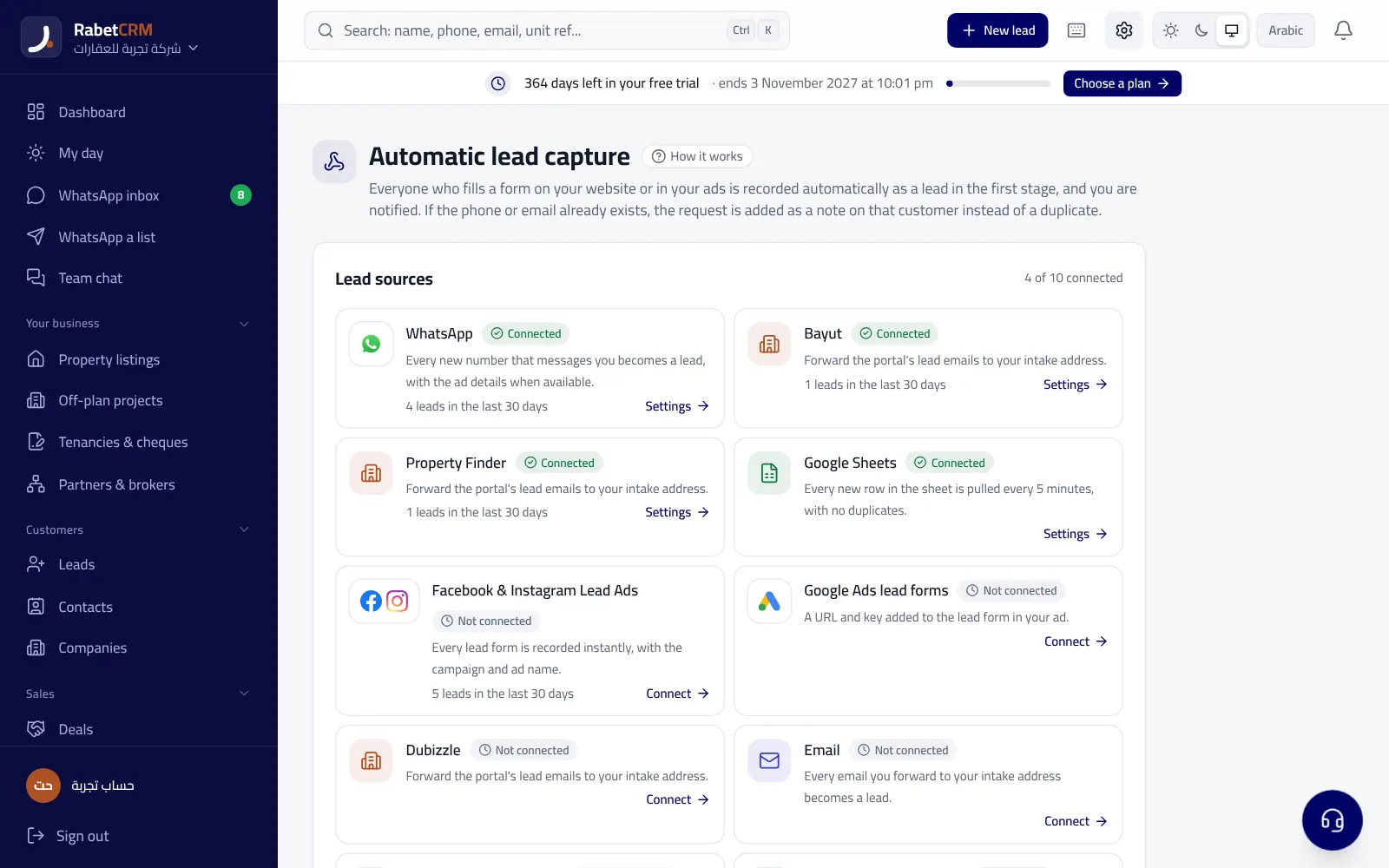
Many ads and forms collect leads in a Google Sheet that sales open too late. In RabetCRM you paste the sheet link once, and the CRM pulls new rows on its own, creates leads and routes them — no copy and paste.
Last updated:
How it works
- Share the sheet as “anyone with the link can view” and paste the link.
- The CRM detects the name, phone and email columns on its own, and you can change them.
- When connecting it asks whether existing rows should come in or only new ones.
- Every 5 minutes it pulls what's new, and each row comes in only once.
- Other columns (budget, area…) are saved with the lead in its notes.
Leads who register again
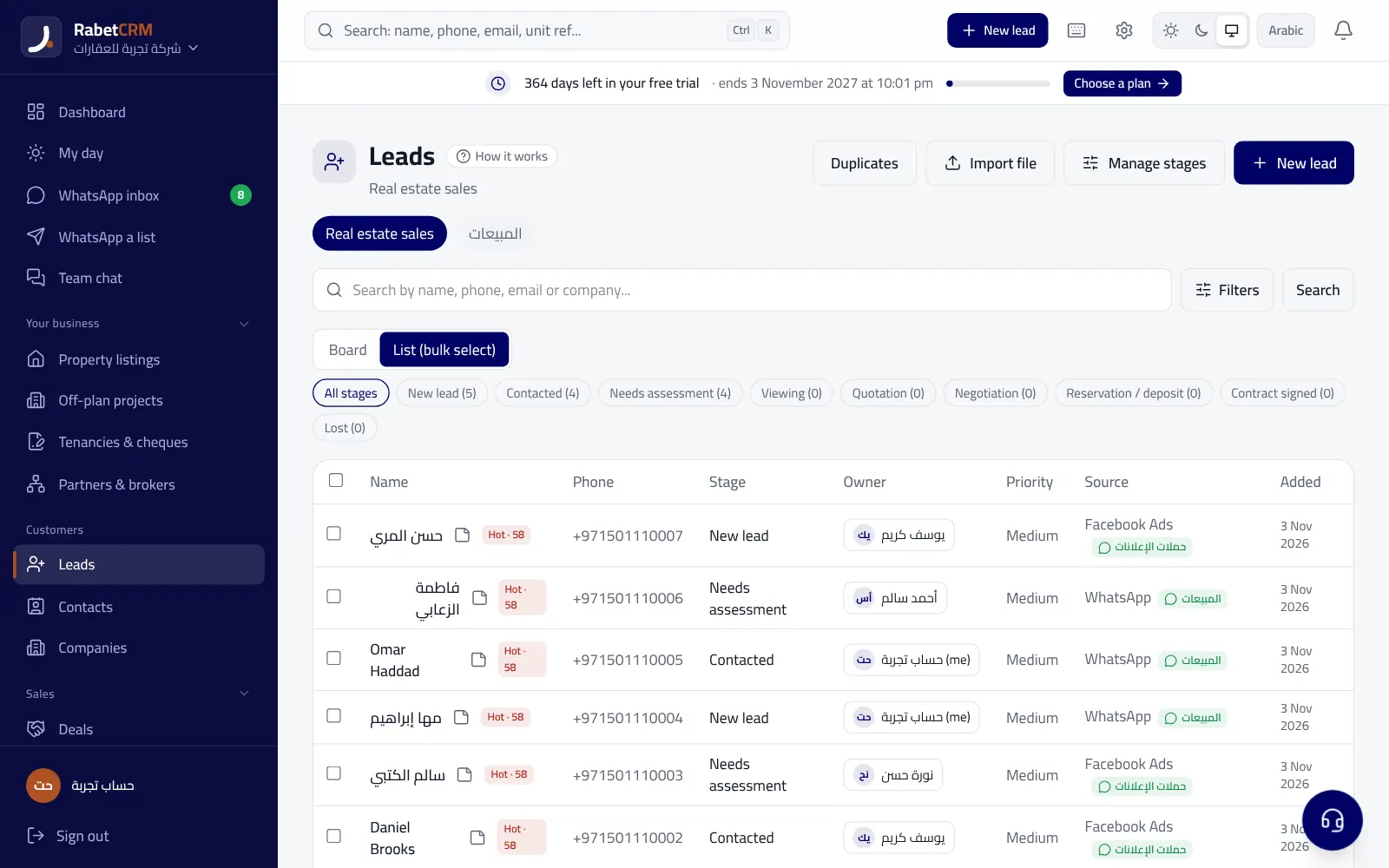
If an existing lead registers again from the sheet (or Facebook, Google or your website), no duplicate is created: they get a “registered again” tag and their owner is notified. If the phone column is removed or renamed, you get an alert.
Sheets people usually connect
- A Facebook/Instagram lead form sheet filled by a connector tool.
- Google Forms for a registration form at an expo or event.
- A sheet a developer or partner sends with leads interested in a project.
- A marketing team's sheet collecting campaign leads.
Read more
Compare RabetCRM
FAQ
Does the sheet have to be public?
It needs “anyone with the link can view” — the link itself isn't shown to anyone.
Can I connect more than one sheet?
Yes, each sheet with its own source (campaign, branch…).
Are leads routed?
Yes, like any new lead, following your routing.