Viewing tracking: arrival, finish and outcome for every agent
A viewing is the most expensive step in a sale: the agent's time, travel and the client's slot. In RabetCRM the agent taps “arrived” then “finished” on their phone; time and location are recorded and they pick the outcome (interested / not interested / wants an offer). Managers see today's viewings on a map and a report per agent, and clients get a reminder two hours before.
Last updated:
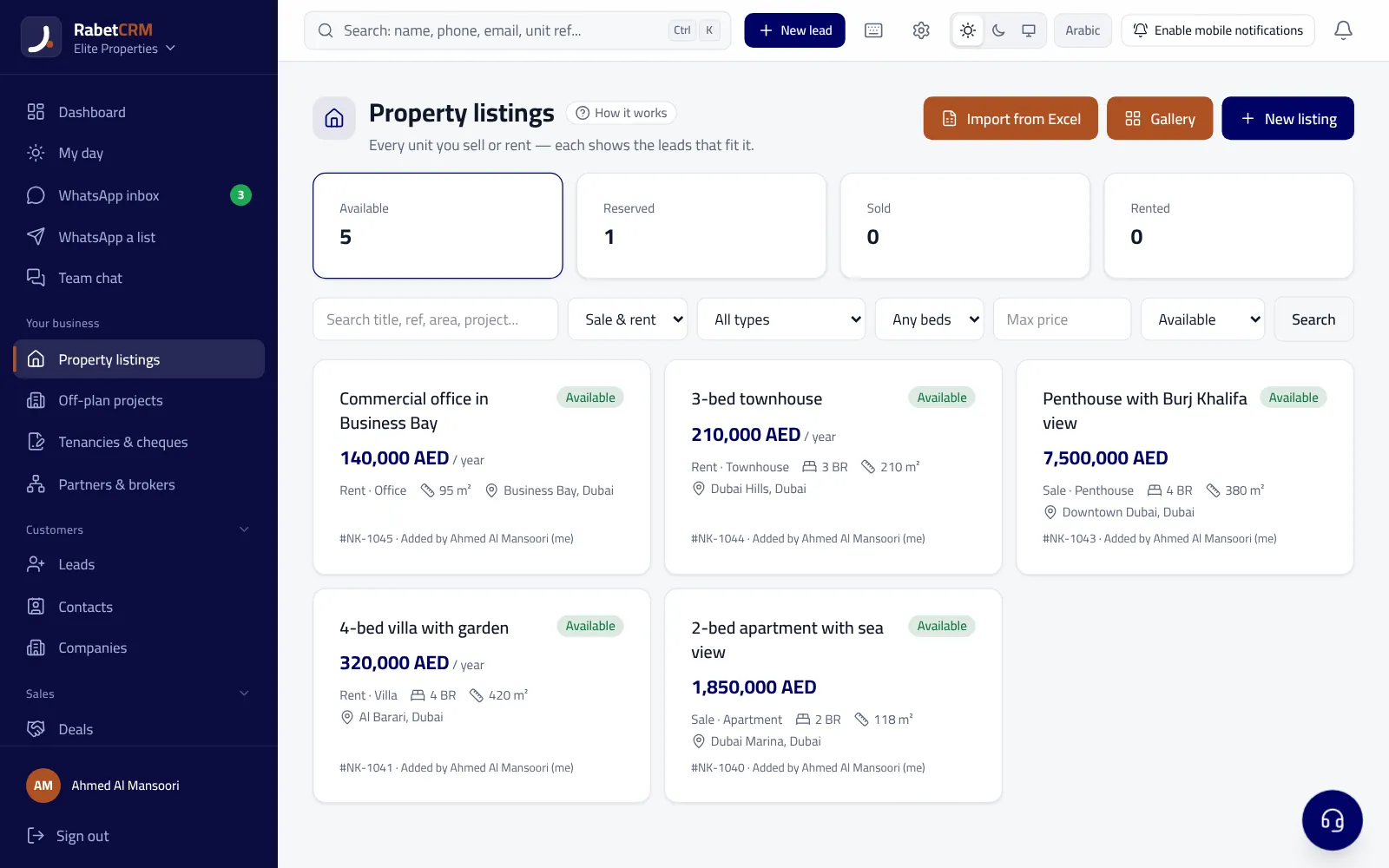
For the agent
- The viewing is booked on the unit and the client with a time.
- “Arrived” and “finished” in one tap on the phone, with location and time.
- The outcome in three quick choices plus a note.
- A reminder to the client two hours before.
For the manager
- A map of today's viewings for the whole team.
- A “far from the unit” flag when the check-in is more than 500 m away (allowing for GPS accuracy).
- Each viewing's duration from arrival to finish.
- A report per agent: number of viewings and their outcomes.
And for the owner
Each unit's viewing count shows in the landlord portal without client details, so owners can see the agency is working their unit.
Read more
Compare RabetCRM
FAQ
Does it track the agent all day?
No — location is recorded only when they tap “arrived” and “finished”.
What if GPS is weak?
We allow for location accuracy before flagging “far from the unit”.