Automatic matching between client requirements and listings
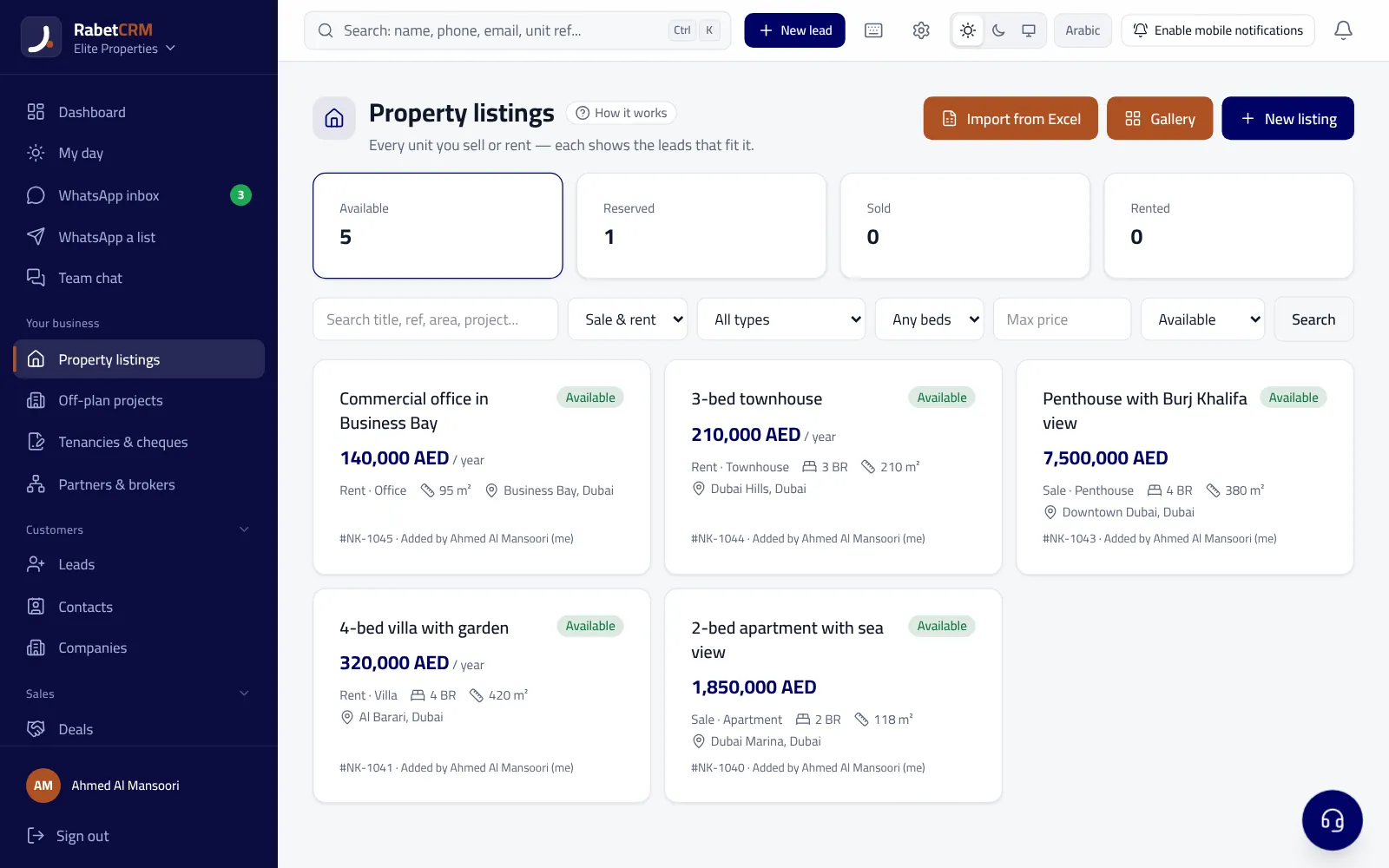
A client asked for a two-bedroom flat in a specific area within a budget, and two weeks later a matching unit comes in — but nobody remembers. In RabetCRM you save the requirements once and matching works both ways: the client page shows suitable units, the unit page shows suitable clients, and when a unit is added or its price changes the agent gets an alert with how many clients match.
Last updated:
What it compares
- Sale or rent, unit type and area.
- Bedrooms and budget.
- Only “available” units and only open clients (not closed won or lost).
Alerts and reports
- New unit or price change → the agent gets “N of your clients match”.
- A button sends the unit to the client on WhatsApp with its page and photos.
- A “requests without units” page: requirements you have no unit for — so you know what to source.
- A weekly report of unmatched requests every Monday at 9 am.
A personal AI message for each matching lead
On the unit page, under “Leads that fit this unit”, press “Write a personal message for each lead”: the AI writes each lead a message by name that names what matches their request (area, bedrooms, budget), with their own unit link so you know who opened it. The agent reviews each message, then sends it; nothing goes out on its own. On the same page, “Write the ad” writes the unit's portal title and description from its details and photos.
Team permissions
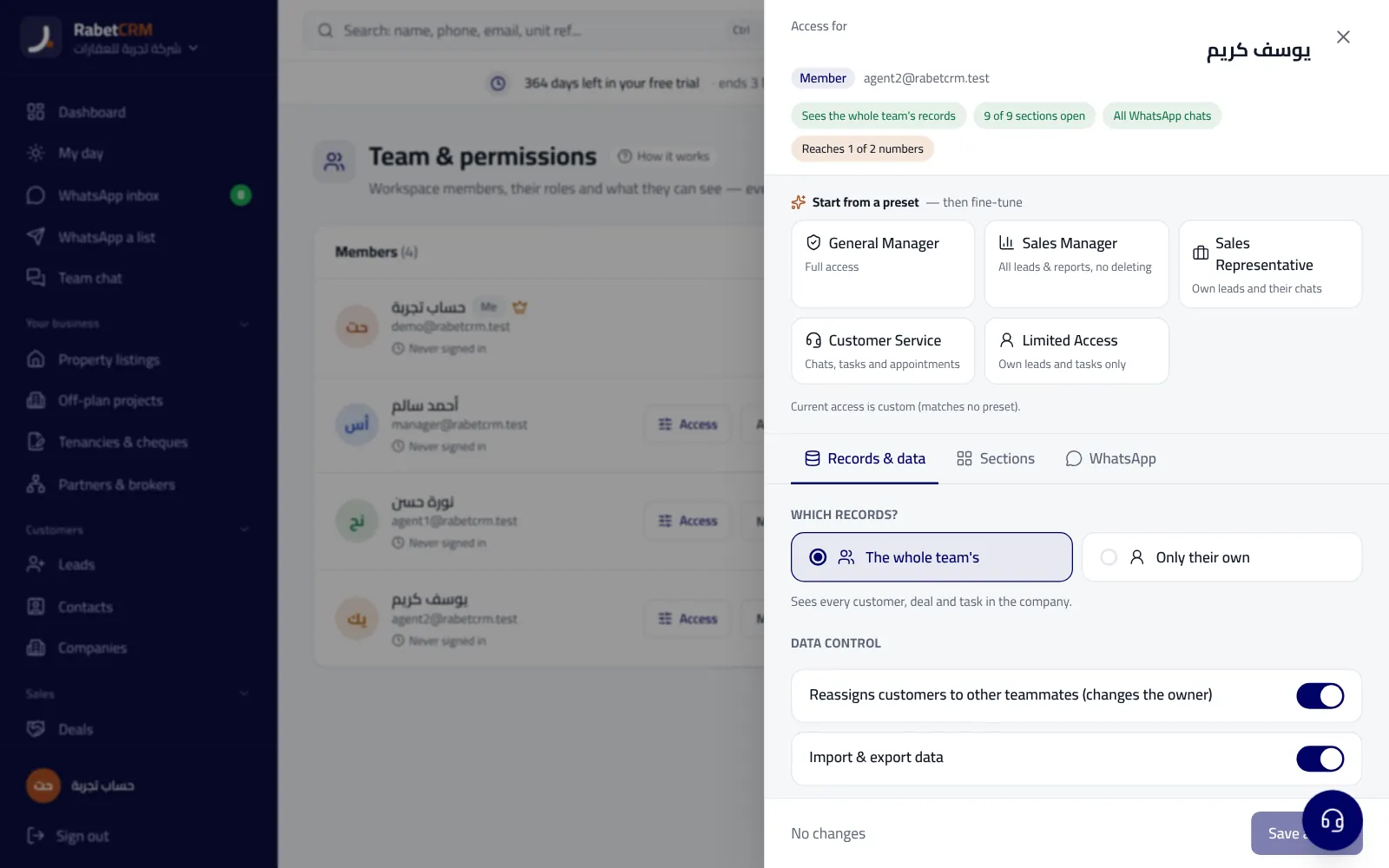
An agent limited to their own clients sees matches for their clients only; the manager sees everything. If the agency is in the co-broking network, it can search other agencies' units for a client with no match.
Read more
Compare RabetCRM
FAQ
Does it use AI?
Matching itself doesn't: it's a clear comparison of request and unit fields, so you know why each unit appears. AI is optional, to write a personal message for each matching lead (Growth and above).
How many clients and units can it handle?
The main filtering runs in the database, so it works with thousands of clients and units.