Real estate sales reports: know what's happening in your agency, in numbers
RabetCRM's reports answer the questions an agency owner asks every day: who replies to leads fast and who is slow? How many viewings happened and how did they go? What commission is due to each agent? Which source brings buyers? Every number comes from daily work in the CRM, so nobody compiles it by hand.
Last updated:
Available reports
Each report filters by period, agent and sales stage:
| Report | Answers |
|---|---|
| Response time | How many minutes each agent takes to first reply to a new lead |
| Team activity | Calls, messages, notes and tasks per agent |
| Viewings | Booked and completed viewings and each one's outcome |
| Commissions | Each deal's commission, each agent's share and collection status |
| Sources | Leads, deals and revenue by source |
Response time: the most important number in real estate sales
A lead who fills a form on an ad often contacts several agencies within the hour, and the fastest wins the first call. The response-time report shows each agent's average time to first reply and who left leads unanswered, so you fix it before you lose them.
Commissions and sources: where is the money?
The commission report totals each deal's commission, each agent's share, what's collected and what's left, so there are no month-end disputes. The source report shows which ad or portal brings actual deals, not just leads, so you move ad budget to what sells.
The report comes to you
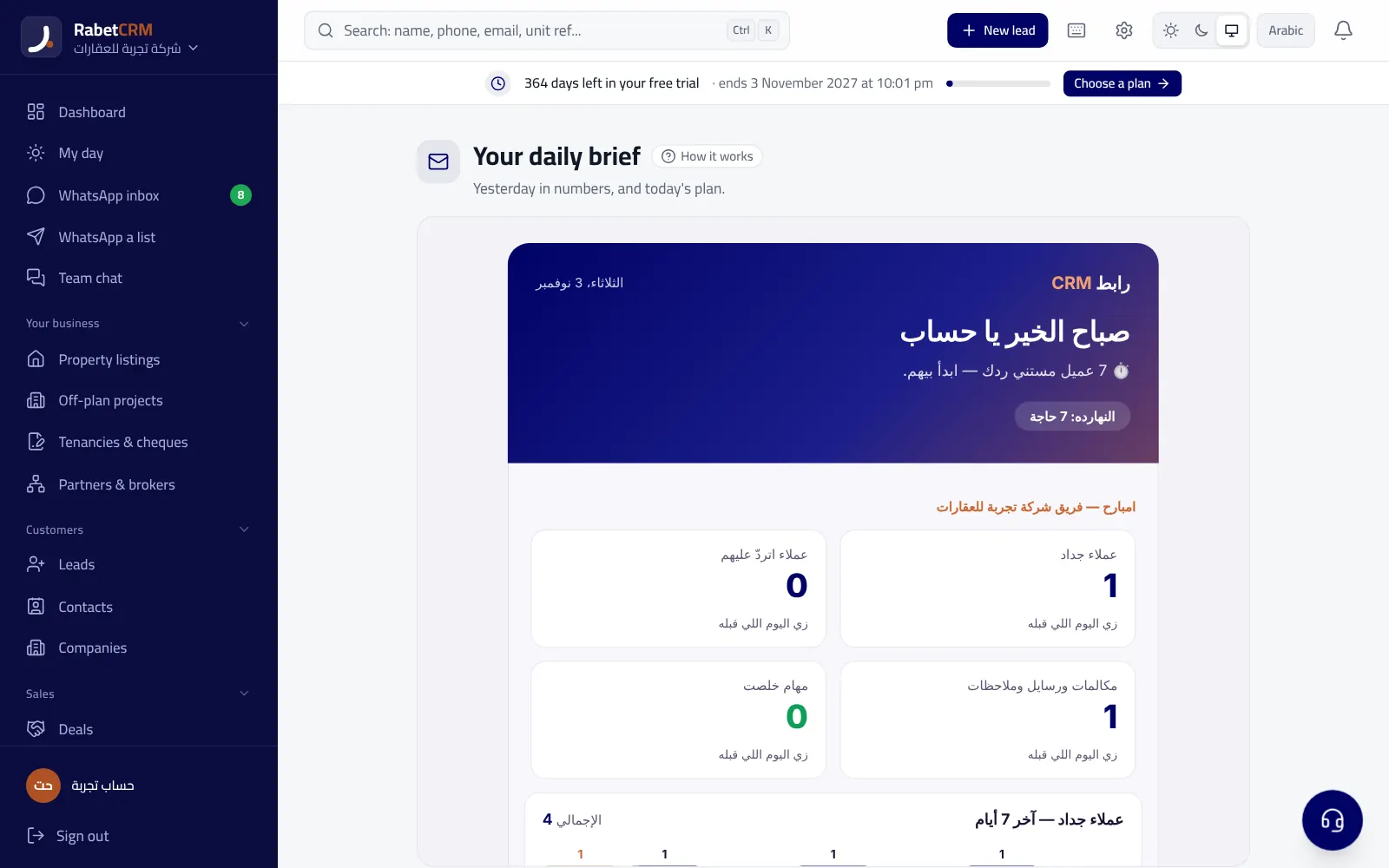
Besides the reports page, the owner gets a daily summary every morning: new leads, who is waiting for a reply, overdue tasks and today's viewings. Details in the owner's daily report.
Read more
Compare RabetCRM
FAQ
Can I export reports?
Yes, data can be exported to a CSV file that opens in Excel.
Do agents see colleagues' reports?
Depending on their permissions: they can be limited to their own numbers.
Where do the numbers come from?
From daily work in the CRM: messages, calls, viewings and deals.
Are reports in every plan?
Each plan's details are on the pricing page.