How to move a brokerage to a new CRM without stopping work or losing data
Moving a brokerage to a new CRM succeeds in four stages: export everything from the old system and clean it into one file; import a small sample and test it; import the rest with every client linked to an owning agent and source; then run new leads on the new system from day one while keeping the old one read-only for a short period. The biggest mistake is moving everything over a weekend without cleanup, leaving the new system with duplicates and gaps that make the team distrust it from the start.
Last updated:
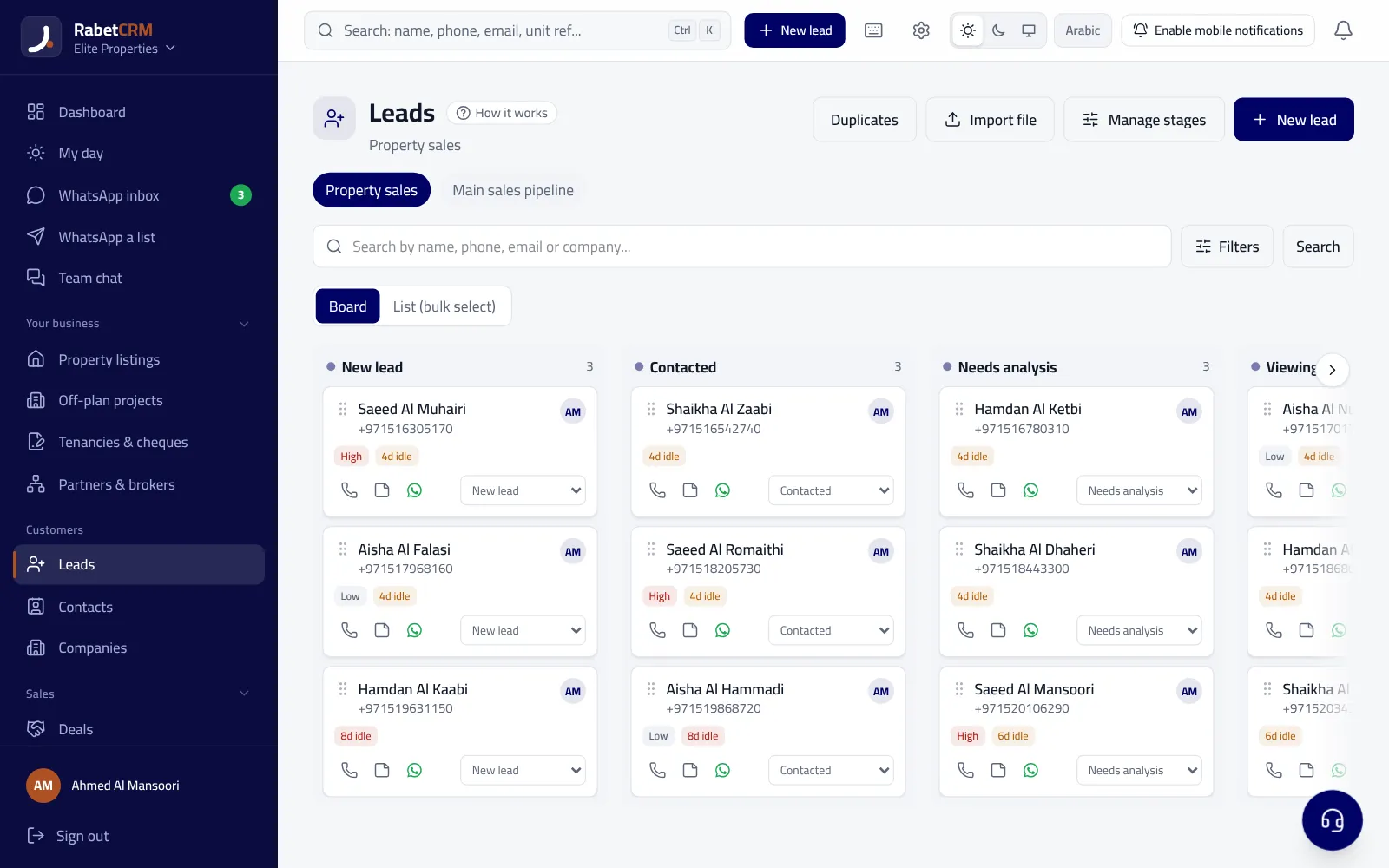
When is it time to switch?
Clear signs your current setup no longer fits: leads arrive from portals and ads but don't enter the system automatically, the team actually works in WhatsApp and Excel outside the software, the manager can't quickly see who answered whom and when, or the system's cost keeps rising while nobody uses it. If two or three of these apply, staying usually costs more than moving.
- Leads don't enter the system automatically
- The team works outside the software
- No visibility on response speed and follow-up
- Source and commission reports are built manually
Stage 1: export and clean
Export everything: clients and leads, listings, deals and important notes. Most systems allow export to Excel or CSV. Then consolidate into one file per data type with standard columns. This stage decides whether the move succeeds, so don't rush it; give it a day or two depending on data volume.
Cleaning means: standardize phone format with the country code, remove duplicates (the same number twice), standardize area and project names, and add columns for the owning agent, source and stage. A client without a valid number or an owner will get lost in the new system just as in the old one.
| Column | Example | Why it matters |
|---|---|---|
| Phone | +9715XXXXXXXX | Prevents duplicates and links WhatsApp |
| Source | Bayut / Facebook / referral | Ad return reports |
| Owning agent | Agent name | Permissions and follow-up |
| Stage | New / viewing / negotiation | Knowing what needs follow-up |
| Requirement | 2BR, Dubai Marina, budget | Automatic unit matching |
If you're moving from another CRM
Before cancelling the old subscription, ask the vendor for a full export of all data, not just clients: listings, deals, notes, tasks and attachments where possible. Ask about the file format, whether the export includes archived or soft-deleted records, and how long the account stays readable after the subscription ends. Keep an untouched copy of the files before editing anything; it's your backup if you need to look something up.
Note that sales stages and field names differ between systems. Write a simple mapping table: which new stage each old stage maps to, and where each custom field goes. That table saves hours of fixes after import.
Stage 2: import and test a sample
Before importing thousands of records, import fifty and open them in the new system almost one by one: do Arabic names display correctly? Are numbers in the right format, and does the WhatsApp button work? Are stages and sources in place? Is the owning agent linked? Fix any issue in the file and re-import — far easier than fixing thousands of records later.
Stage 3: full import and permissions
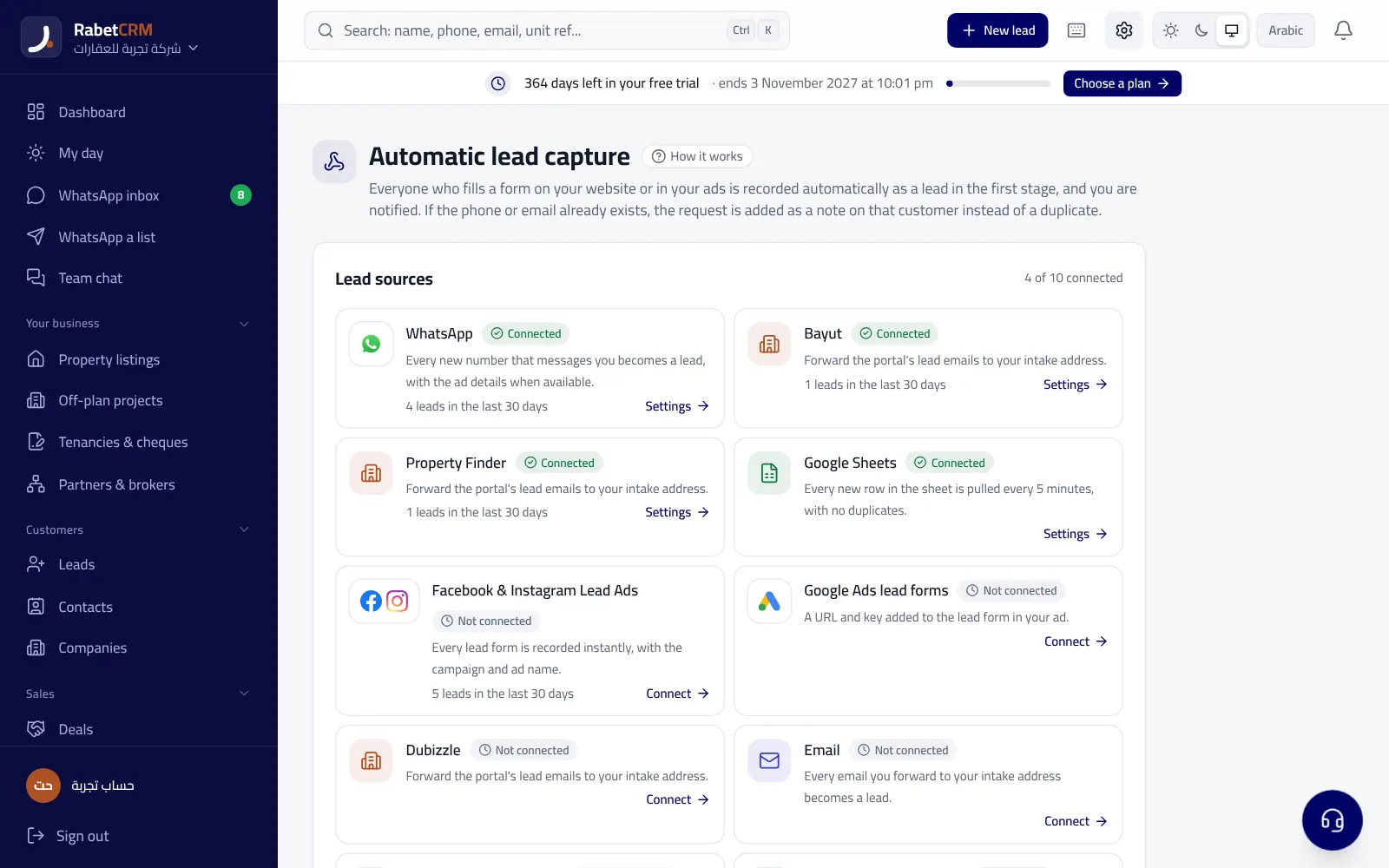
Once the sample works, import the rest, then set permissions before the team logs in: who sees all clients, who sees only their own, and who can export or delete. Many skip this, so everyone sees everything from day one and restricting access later is hard. Then connect new lead sources (portals, Facebook forms, your website, WhatsApp) so every new client enters automatically.
Stage 4: go-live and training
The golden rule: from go-live, every new lead is worked only in the new system. The old one stays read-only for two or three weeks in case someone needs an old detail, then it's closed. A long double run (entering data in both systems) wears the team out and leaves both systems incomplete.
Training doesn't need long days if you focus on daily actions: how an agent sees new leads, logs a call and follow-up, replies on WhatsApp from the system, and books a viewing. Start with a short session, then watch week-one numbers: does every lead have an owner? Are follow-ups logged? Anyone not using the system needs one-to-one help, not a general meeting.
Common migration pitfalls
These mistakes recur in most migrations, and all can be avoided with a short written plan everyone knows before starting.
- Importing without removing duplicates
- Forgetting to link each client to an owner
- Giving everyone full access at the start
- Running both systems for many weeks
- Not connecting new lead sources from day one
- Not keeping a copy of the exported files
Moving to RabetCRM
RabetCRM imports clients and listings from Excel and CSV with column mapping, flags duplicate numbers, lets you set each person's permissions before the team logs in, and connects portals, Facebook forms and WhatsApp from day one. You can export all your data at any time. Start a free trial and import a sample of your real data, and read the RabetCRM vs Propspace comparison and real estate CRM in Dubai.
More articles
Real estate CRM in every emirate
Compare RabetCRM
FAQ
How long does a brokerage migration take?
For a small or mid-size office, usually one to two weeks: a day or two to clean, a day for the sample, then import and training. Large datasets need longer cleanup.
Will I lose old conversation history?
Written notes can move as a notes column. Old WhatsApp chats stay on devices; new conversations are logged in the system from the day you connect.
Can I move listings with photos?
Listing data moves via the file, and photos are uploaded to each unit. Start with active listings; don't move the whole archive unless you need it.
What if the team doesn't adapt?
Watch week-one numbers and give one-to-one help to anyone lagging. When agents see leads arrive faster and follow-ups remind them, they adopt it.
Does my data stay mine?
It should. Ask any vendor how to export all data before subscribing. In RabetCRM you can export all your data at any time.