Connect Property Finder to your CRM
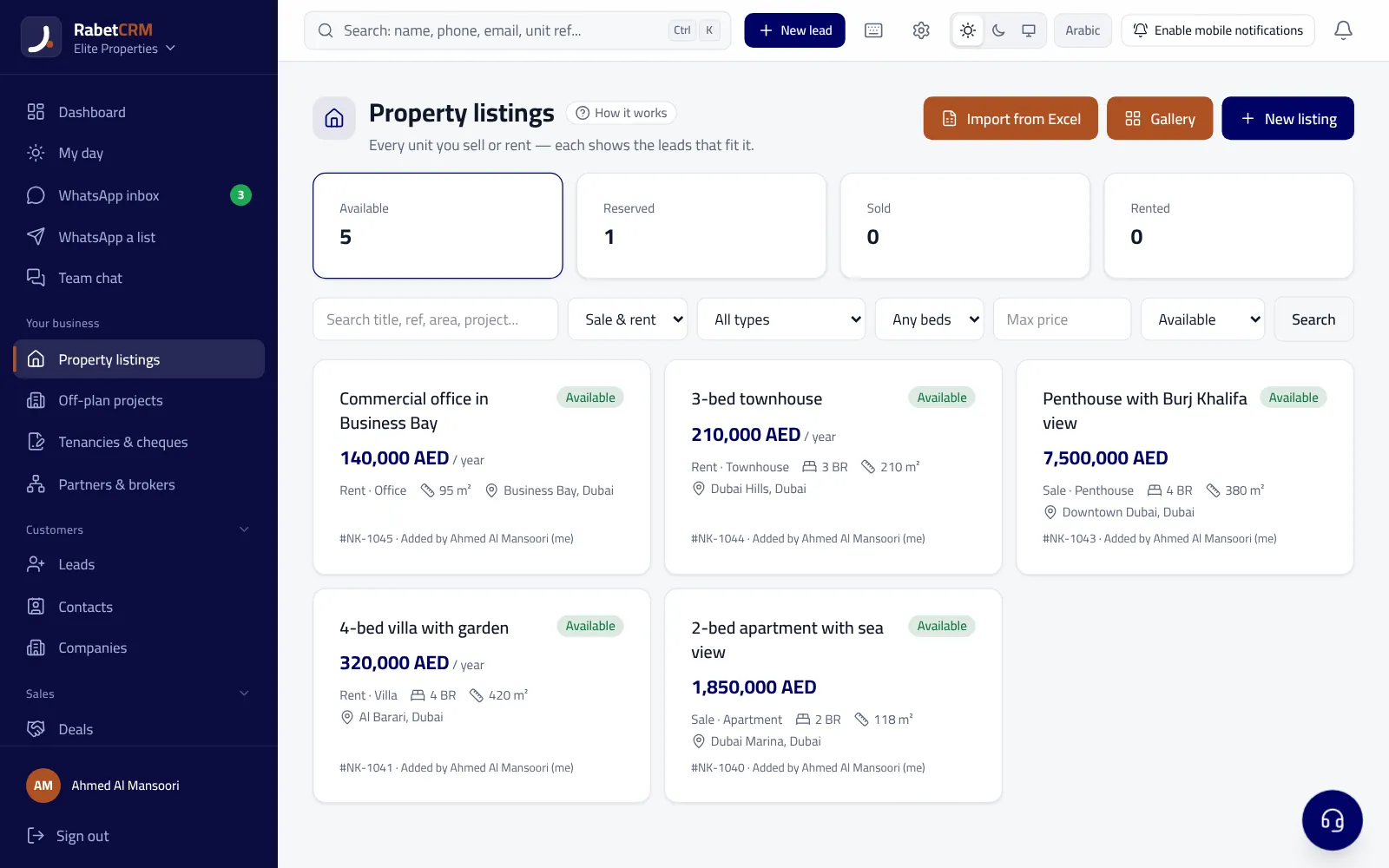
RabetCRM generates a Property Finder–format listings feed (XML) that is connected once from your account, and listings update on their own.
Last updated:
Setup steps
You only connect once:
- Enable “publish to portals” on the unit and add the permit.
- Copy the Property Finder feed link from Settings → Property portals.
- Send it to the Property Finder team to activate on your account.
Leads from your listings
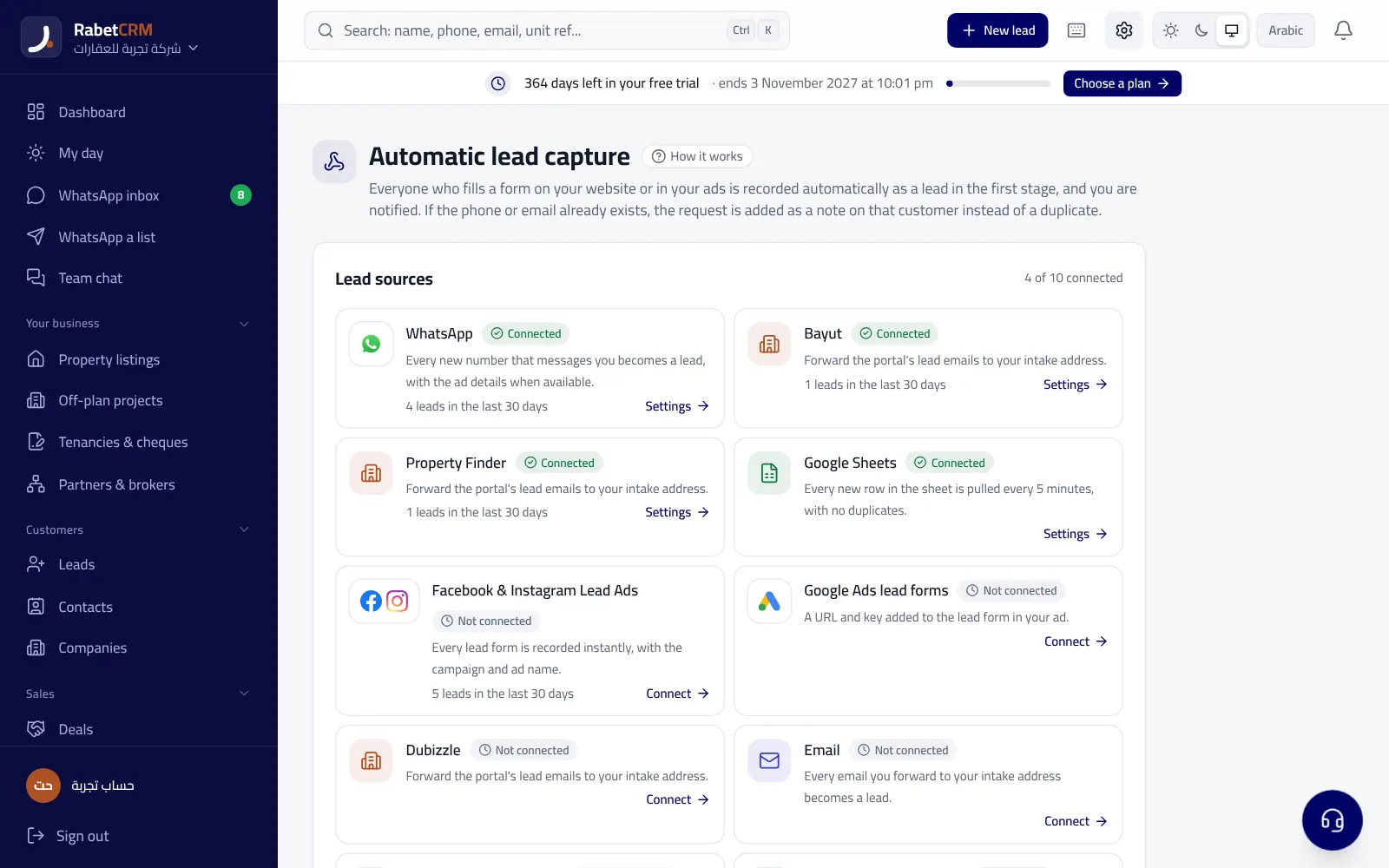
Listing leads (WhatsApp and email) are captured and routed to the listing agent or round-robin.
Every lead gets a WhatsApp welcome within seconds (if enabled) and is reassigned if nobody replies.
Things to know
- The portal itself activates and reviews the feed — that's normal with any CRM.
- Units with a missing or expired permit aren't published (depending on the emirate).
- Price or photo changes reach the portal on the feed's next refresh.
Read more
Real estate CRM in every emirate
Compare RabetCRM
FAQ
Does the Property Finder integration cost extra?
No — portal feeds are included in real estate plans. Your portal subscription is separate.
Do I need a developer?
No — a ready link you copy and send to the portal.