Connect Bayut to your CRM
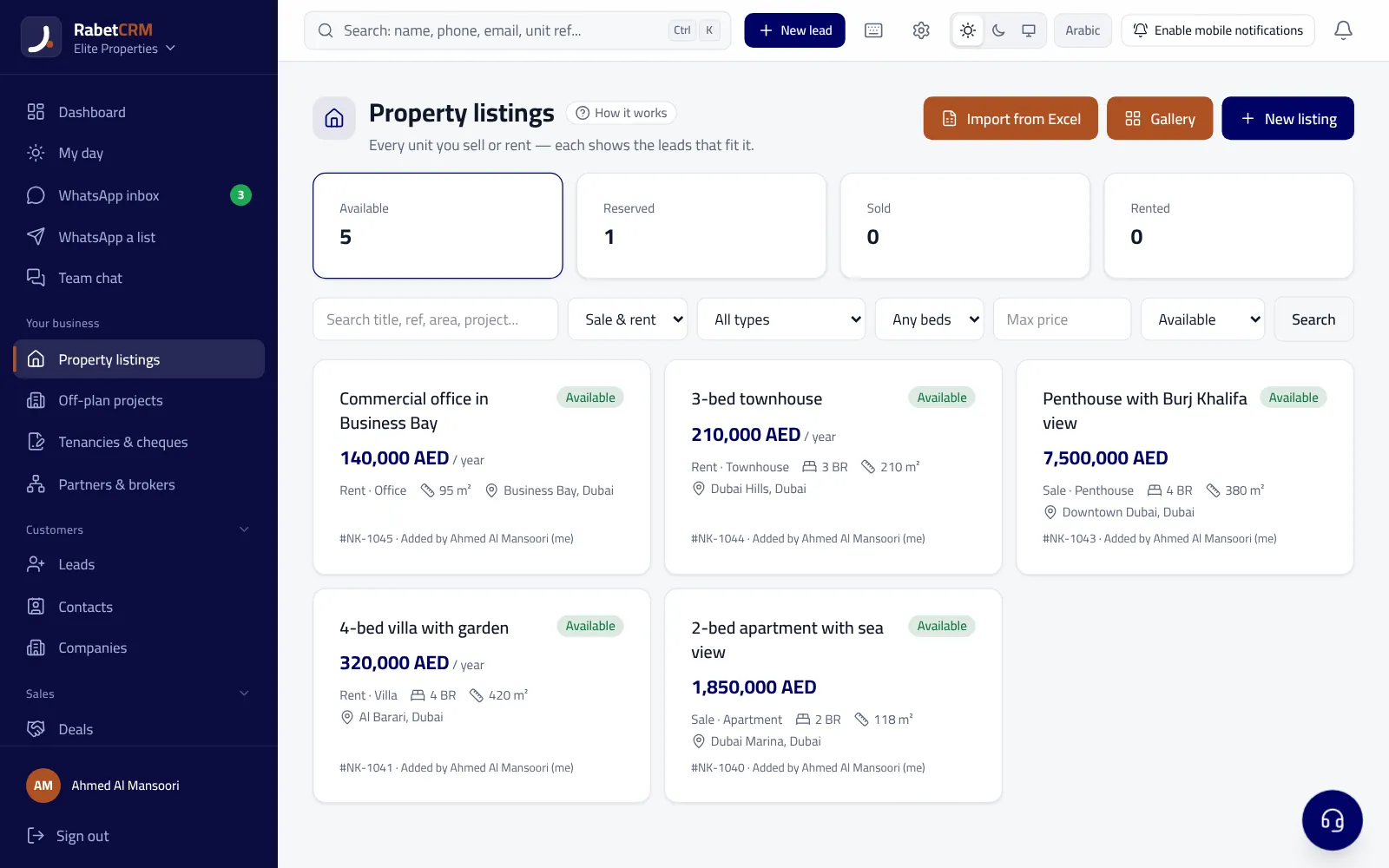
RabetCRM generates a listings feed (XML) in the Bayut/Dubizzle format; your Bayut account manager connects it once, and from then on every unit you add or edit updates on Bayut automatically.
Last updated:
Setup steps
You only connect once:
- Enable “publish to portals” on the unit and add its Trakheesi/Madhmoun permit.
- In Settings → Property portals, copy the Bayut feed link.
- Send it to your Bayut account manager to activate.
- The agent's BRN is sent with every listing.
Leads from your listings
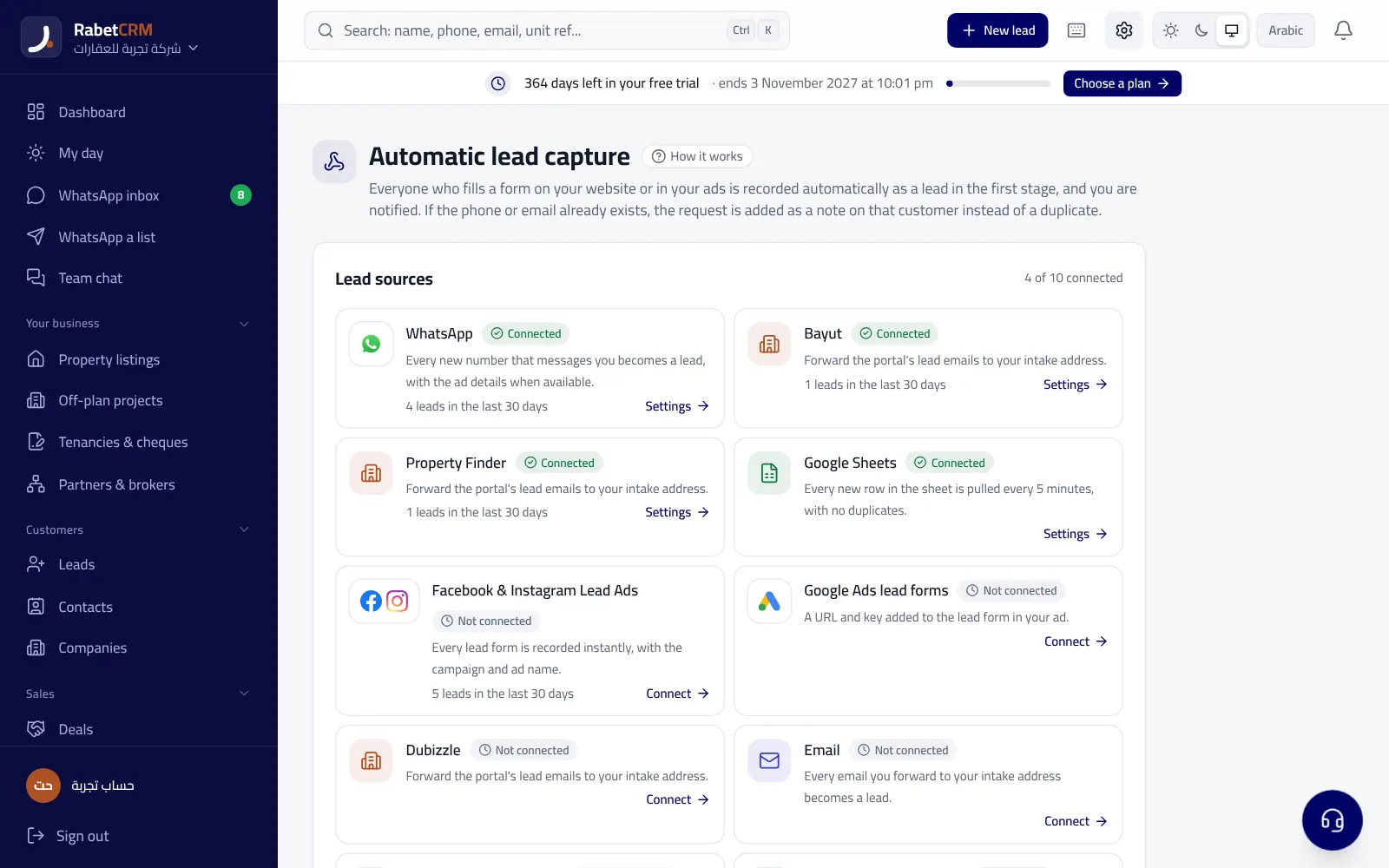
Buyers who contact you from a listing on WhatsApp or by email are captured as leads with the unit attached.
Every lead gets a WhatsApp welcome within seconds (if enabled) and is reassigned if nobody replies.
Things to know
- The portal itself activates and reviews the feed — that's normal with any CRM.
- Units with a missing or expired permit aren't published (depending on the emirate).
- Price or photo changes reach the portal on the feed's next refresh.
Read more
Real estate CRM in every emirate
Compare RabetCRM
FAQ
Does the Bayut integration cost extra?
No — portal feeds are included in real estate plans. Your portal subscription is separate.
Do I need a developer?
No — a ready link you copy and send to the portal.