Real estate CRM features: 12 must-haves for any property CRM
A real estate CRM isn't a generic customer tool: agents handle leads from portals and ads, units with permits and changing prices, viewings, split commissions, instalments and rentals. A good real estate CRM brings all of that into one place. These are the 12 features we consider essential for any agency or developer in the UAE, Saudi Arabia and Egypt, with a question to ask any vendor before you subscribe.
Last updated:
Why a real estate CRM is different
General CRMs are built to sell a simple product or service: a customer, a quote, a deal. In real estate a single deal involves a unit, a location, a permit, an owner, viewings, negotiation and a commission, and sometimes years of instalments or a renewing lease. If the software doesn't understand these, agents go back to notebooks and Excel beside it.
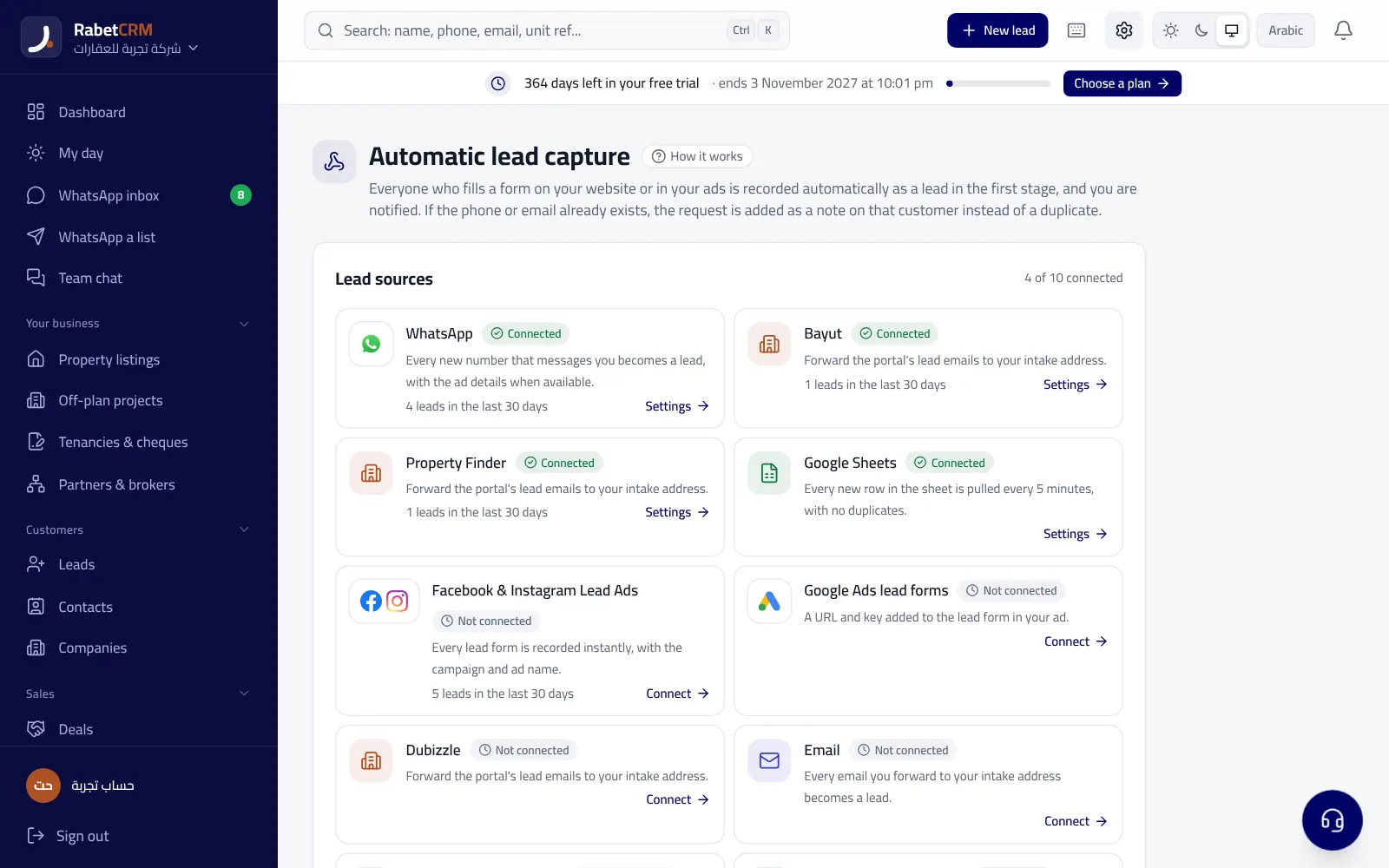
1. Automatic portal and ad leads
The first feature of any real estate CRM: leads arrive on their own. In the UAE from Bayut, Property Finder and Dubizzle, in Egypt from Aqarmap, Property Finder Egypt and Dubizzle Egypt, and everywhere from Facebook and Instagram ads. Each lead is saved with name, phone and the unit they asked about, with no copy and paste.
2. Lead routing to agents
Routing can be round-robin or by area, project or source, and if an agent doesn't respond in time the lead moves to another agent. This alone fixes the 'lead was called two hours later' problem.
3. A team WhatsApp inbox
The whole team replies from the company number, every chat is saved on the customer, and every new number becomes a lead. The manager sees conversations, and a customer isn't lost when an agent is off.
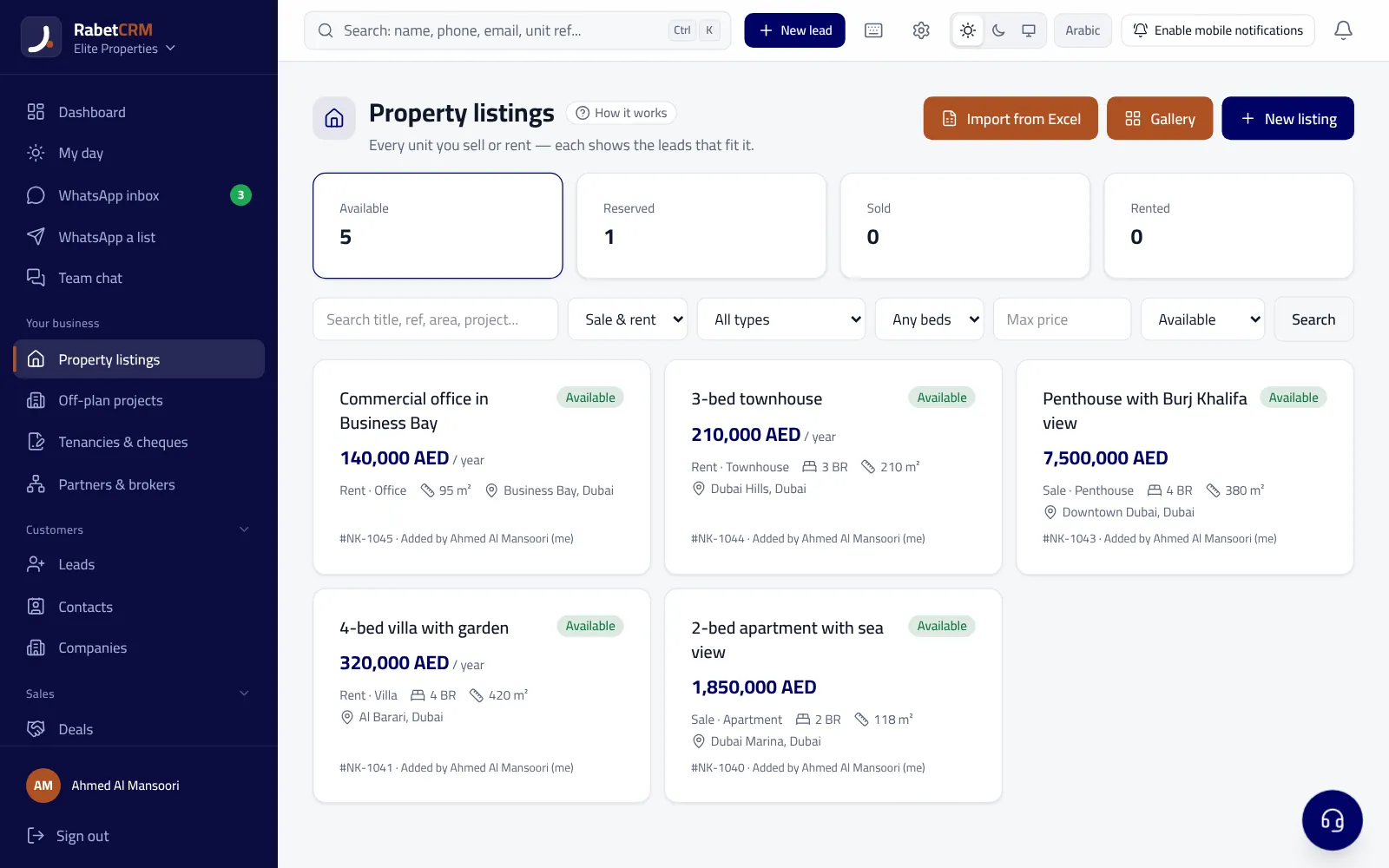
4. Listings matched to requests
Every unit has its area, type, bedrooms, price and status (ready or off-plan), and every customer has a request and budget. The system suggests matching units and alerts the agent when a new unit fits their customers.
5. Unit pages and PDF brochures
A link for each unit with photos, details and the office logo, sent on WhatsApp in one tap, plus a ready PDF brochure. The customer sees the unit before viewing and the agent saves time.
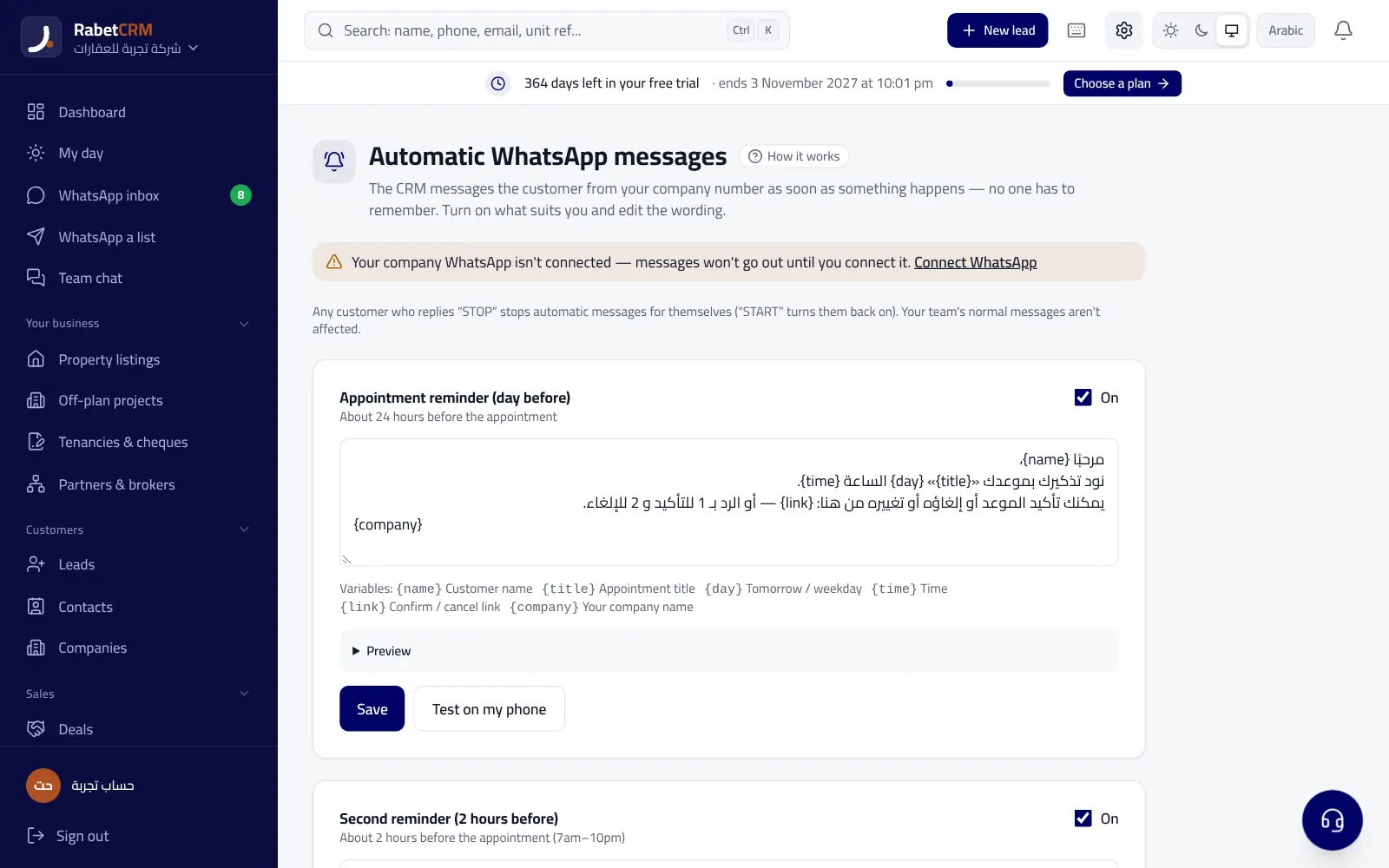
6. Viewings and their outcomes
Every viewing has a calendar slot and a customer reminder, with check-in, check-out and an outcome: interested, not interested or wants an offer. The manager knows how many viewings really happened and where.
7. Deal stages and commissions
Deals move through clear stages from first enquiry to contract, and commission is a percentage or fixed amount split between the office, the agent and any co-broker, with a monthly report of commission due and collected.
8. Off-plan projects and instalments
A project per developer with its payment plan; when a unit sells, the buyer's instalments are created with their dates, with reminders before each one and tracking of the office's developer commission. Essential in Egypt and for UAE off-plan.
9. Rentals, contracts and renewals
A contract for each let unit with landlord and tenant, payments or cheques, and reminders before each payment and before expiry. In Dubai the Ejari number sits on the contract, and landlords get a private portal link to see their units.
10. Permits and regulatory forms
In the UAE: the Trakheesi or Madhmoun permit number and expiry on every unit, and RERA forms with auto-fill and e-signature. The system alerts you before a permit expires.
11. Agent and source reports
Response time per agent, calls, viewings and deals, and which source actually produces deals. The owner gets a morning and evening report on WhatsApp.
12. Permissions, security and mobile
Agents can be limited to their own customers, with two-step verification and full data export at any time. The system works on the phone as an app, because a property agent spends most of the day out.
Features by country
The core features are the same, but each market has details the system must understand. In the UAE the priorities are permits, portals and cheque-based rentals; in Egypt, Facebook leads, under-construction projects and long instalment plans; in Saudi Arabia, the FAL licence and a fully Arabic workflow. The table sums it up:
| Market | Main lead source | Must-have feature |
|---|---|---|
| UAE | Bayut, Property Finder, Dubizzle | Permits, Ejari and cheques |
| Egypt | Facebook ads and Aqarmap | Down payments, instalments, developer commission |
| Saudi Arabia | Ads, portals and WhatsApp | A fully Arabic UI and fast routing |
Questions to ask any real estate CRM vendor
Before subscribing, ask for a trial and ask:
- Does it capture leads from my country's portals automatically?
- Is WhatsApp built in for the whole team or a paid add-on?
- Does it handle listings, viewings and commissions or only contacts?
- Is the interface fully Arabic and does it work on a phone?
- Can I move my data from Excel or my current CRM easily?
- Is pricing per company or per user, and in which currency?
RabetCRM for real estate
RabetCRM has all 12 features and is built for real estate in the UAE, Saudi Arabia and Egypt, in Arabic and English. Each feature is detailed on the real estate CRM page, with city pages such as Dubai real estate CRM and Egypt real estate CRM. You can try it for 15 days with no card.
More articles
Real estate CRM in every emirate
Compare RabetCRM
FAQ
What is a real estate CRM?
A system that manages a property office's customers, listings and deals: it captures and routes leads, follows up on WhatsApp, and links them to units, viewings and commissions.
Is a real estate CRM right for a small office?
Yes, it starts from a single user, and a small office benefits because every lead matters.
What's the most important real estate CRM feature?
Instant lead capture and routing with WhatsApp replies, because buyers usually pick whoever answers first.
Does an office need separate software for rentals?
No, a good real estate CRM manages contracts, payments and renewals alongside sales.
How is a real estate CRM different from property portals?
The portal brings the lead; the CRM follows it until the customer buys or rents, and keeps everything for the office.
Can I move my data from another real estate CRM?
Yes, from an Excel file or your old CRM's export: customers, units, deals and notes in one go, with duplicates blocked by phone and email, and an import report showing what came in, what was a duplicate and what had errors, so none of the office's history is lost.