Team permissions: everyone sees only their part
In a real estate agency, owner and client data is the capital. In RabetCRM the owner decides what each person can see and do, and the lock is enforced on the server — not just a hidden button.
Last updated:
Start from a ready template
The “Access” button next to each person opens a panel with a plain-language summary of what they can do, and 5 templates: general manager, sales manager, sales agent, customer service, and limited access. Pick one, adjust it, and saving shows how many changes you made and asks before you close without saving.
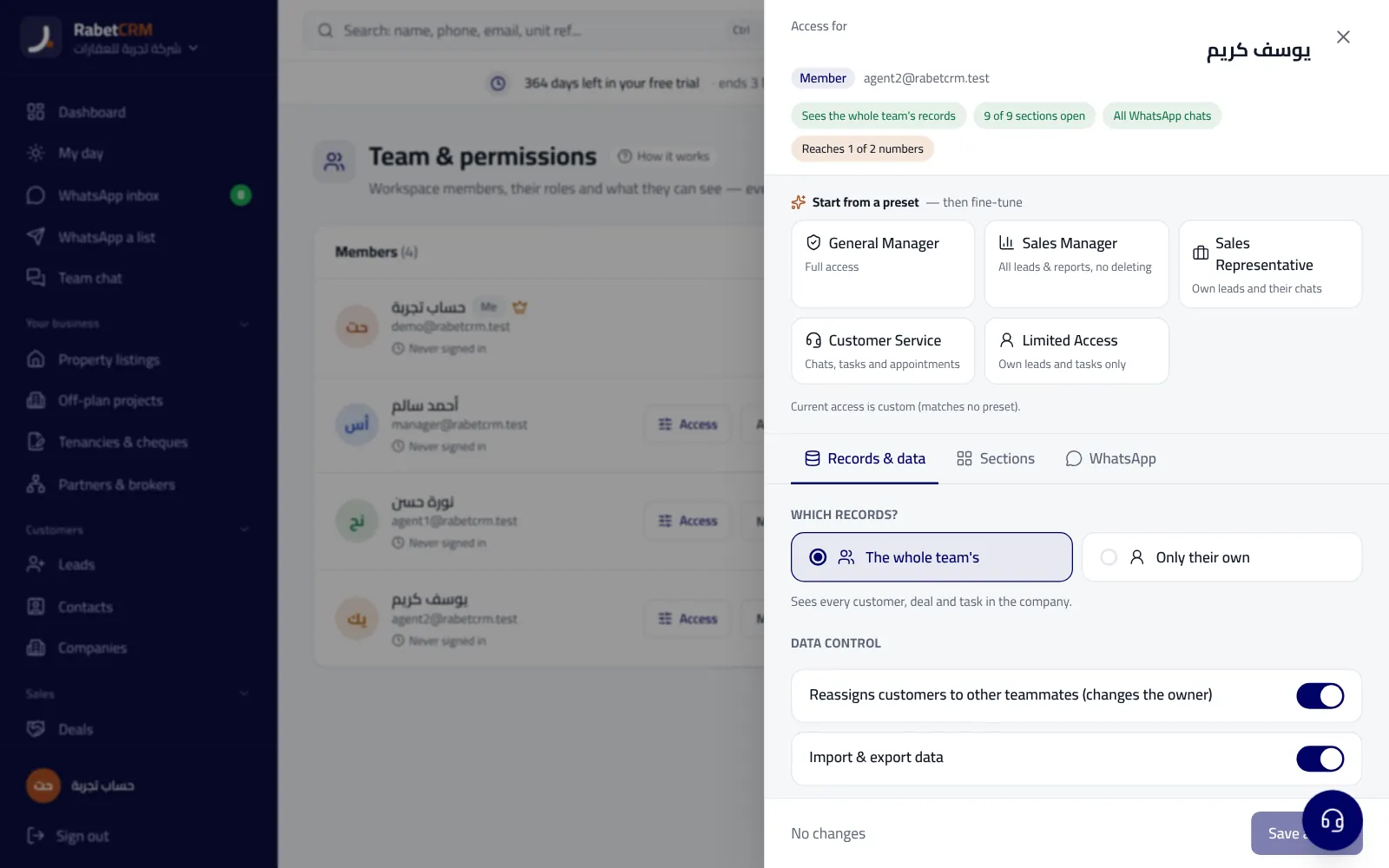
What you can control
- See the whole team's leads or only their own (lists, lead page, search, export).
- Sections: listings, deals, reports, chats, settings… each one on its own.
- Which WhatsApp numbers they can reach, and whether they can link new ones.
- Reassigning leads to someone else, and import/export.
- For admins: deleting leads and deals, inviting members and changing their access — only the owner can lock these.
Locked on the server, not just in the UI
A section locked for someone isn't rendered at all and its data never reaches their device, and exports respect the same limits. Someone who sees only their own leads doesn't see team totals in reports.
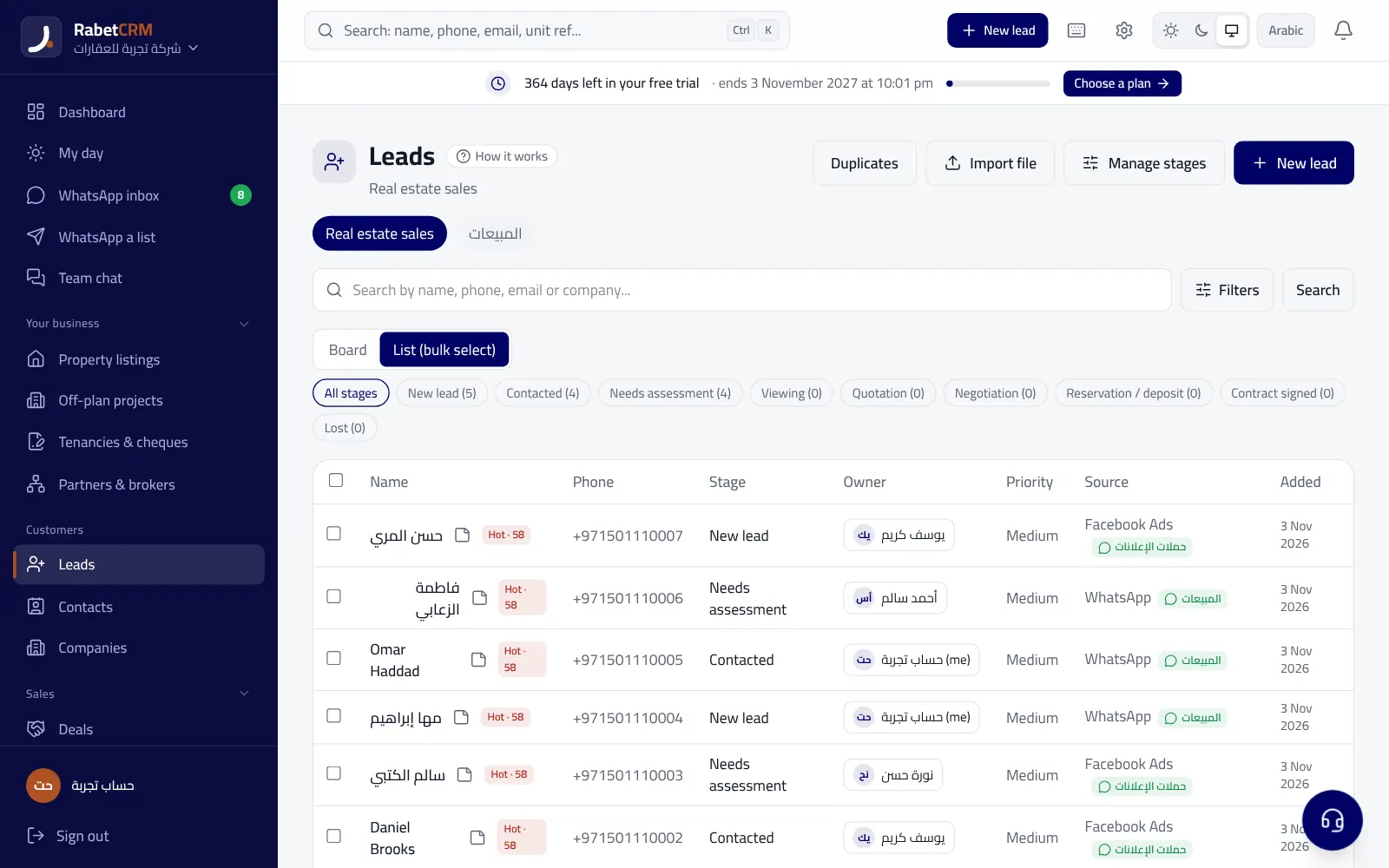
Example: an office with a sales manager, agents and support
The sales manager gets the “sales manager” template: all leads and reports and can reassign between agents, without delete. Each agent gets “sales agent”: only their own leads and chats, no export. Support gets “customer service”: chats, tasks and appointments, without deals and commissions.
If the office has a WhatsApp number for the owner and another for ads, the owner decides who can reach each number, and agents only see the leads routed to them from the ads number.
Read more
Compare RabetCRM
FAQ
Can an admin change another admin's access?
No, only the account owner changes an admin's access.
If I lock a section, can they open it by direct link?
No, the lock is on the server so the page redirects to the dashboard.
Is there two-step verification?
Yes, for every account from settings.
Can support change my account?
Support opens accounts view-only and every visit is logged.