Connect ChatGPT and Claude to your CRM and ask about your leads in plain words
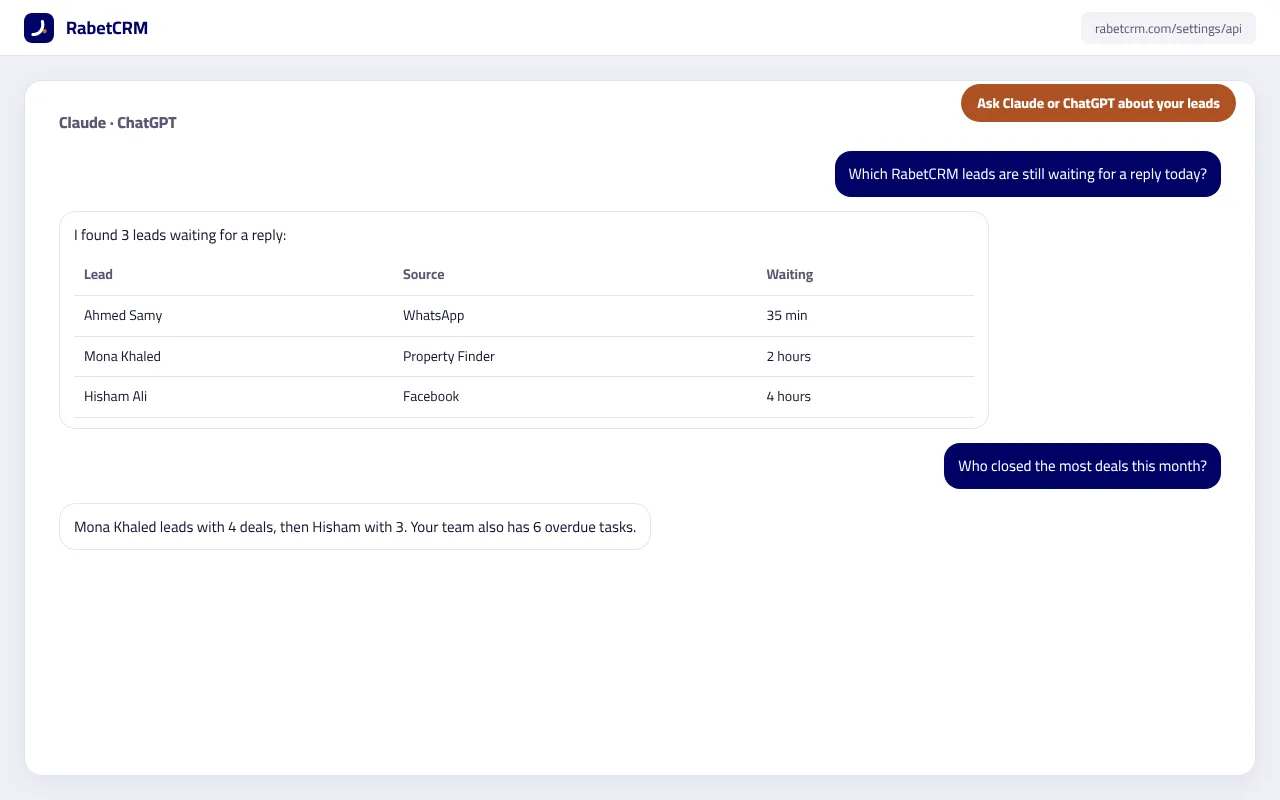
Instead of opening reports and searching, ask the assistant you already use: “Which leads are waiting for a reply today?” or “Who closed the most deals this month?”. RabetCRM gives Claude and ChatGPT a secure way to read your company data (MCP), with a key you create yourself, can make read-only and can revoke at any time.
Last updated:
What can you ask?
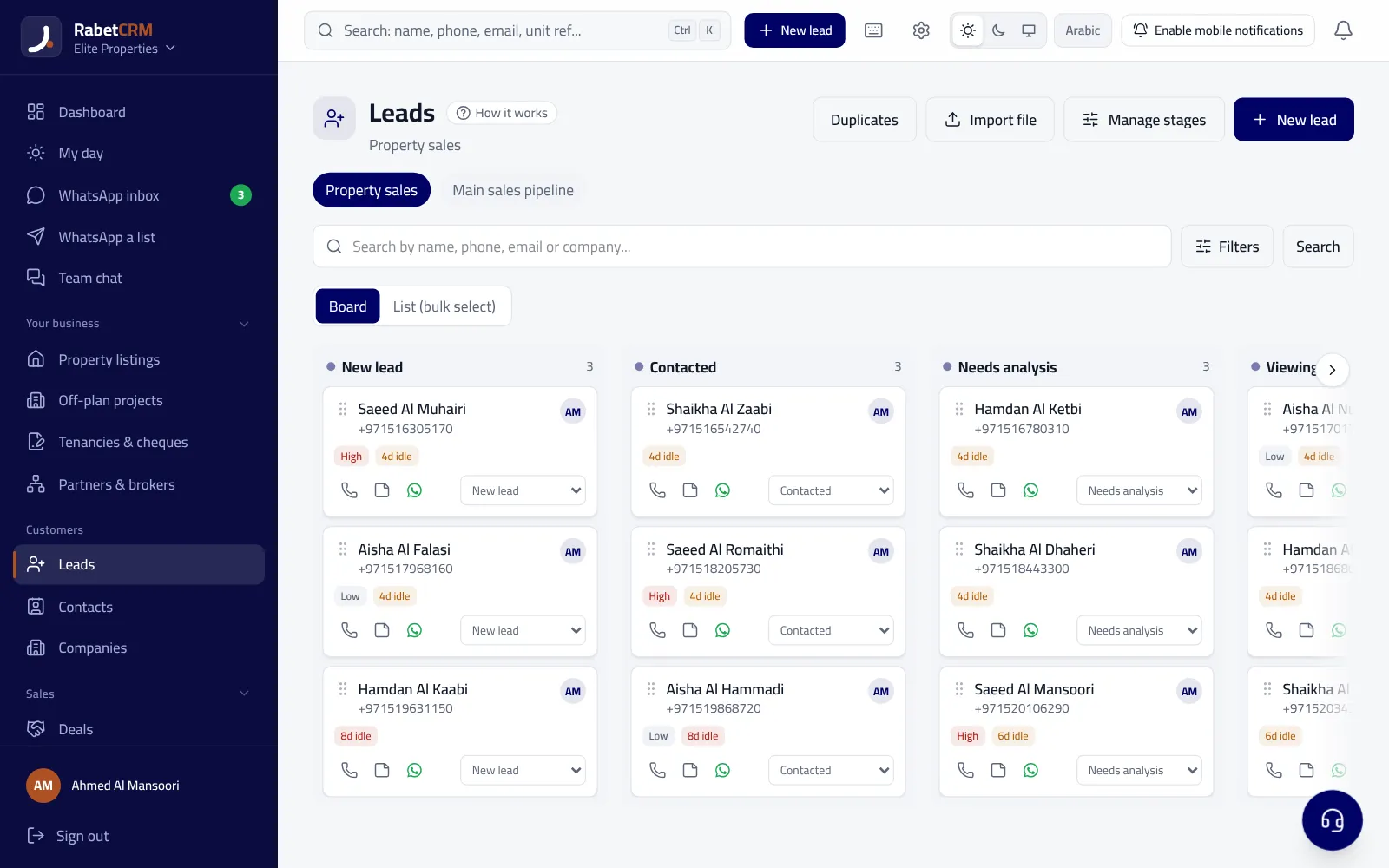
- Company overview: new leads, leads waiting for a first reply, open and won deals.
- Find a lead by name or phone, with details, stage and latest activity.
- Each agent's performance: leads received, contacted and deals won.
- Overdue and upcoming tasks, and a listing search.
- With a write key: add a note to a lead or create a follow-up task.
How do you connect it in two minutes?
- In Settings → API, create a new key; read-only is recommended.
- Copy the “Claude and ChatGPT connection link”.
- In Claude or ChatGPT, add a new connector and paste the link.
- Ask in Arabic or English.
Is it secure?
The key only sees your own company's data, can be read-only so it can't change anything, and can be revoked in one click from the same page. Any write is recorded in the audit log.
Read more
Compare RabetCRM
FAQ
Do I need a paid ChatGPT or Claude plan?
Connectors depend on your plan with them; on RabetCRM's side nothing extra is needed.
Can an agent use it?
Keys are created by the owner or a manager in Settings; you can create a key per use.
Does it send client data anywhere?
The assistant only reads what you ask about, when you ask, through your key.