Why Real Estate Deals Are Lost — and How CRM Lost Reasons Reveal the Pattern
· 3 min read · RabetCRM team
Knowing why real estate deals are lost is more useful than celebrating the ones you won. This article shows how to record lost reasons consistently in a CRM and turn the pattern into one concrete fix each month.
Most brokerages know their won deals by heart and know almost nothing about the ones they lost. Yet lost deals are usually the majority, and the reasons repeat. Recording them consistently is one of the cheapest improvements a sales team can make.
A practical list of lost reasons
| Lost reason | What it usually means | Typical fix |
|---|---|---|
| Price / budget | Mismatch between lead and listing | Qualify budget earlier; target ads better |
| Bought elsewhere | A competitor was faster or better | Improve speed to lead and follow-up |
| Payment plan | Terms didn't fit | Lead with payment options, not just price |
| Location | Wrong area shortlisted | Confirm areas in writing before viewings |
| No response | Lead went cold | Nurture instead of closing too early |
| Not serious | Low-intent lead source | Review the campaign or form |
Rules that keep the data useful
- Keep the list short — six to eight reasons. Long lists get random answers.
- Make the reason mandatory when a deal is marked lost.
- Close stuck deals: anything untouched for 30 days is closed with a reason, not left open.
- Review the top reasons monthly, by lead source and by agent.
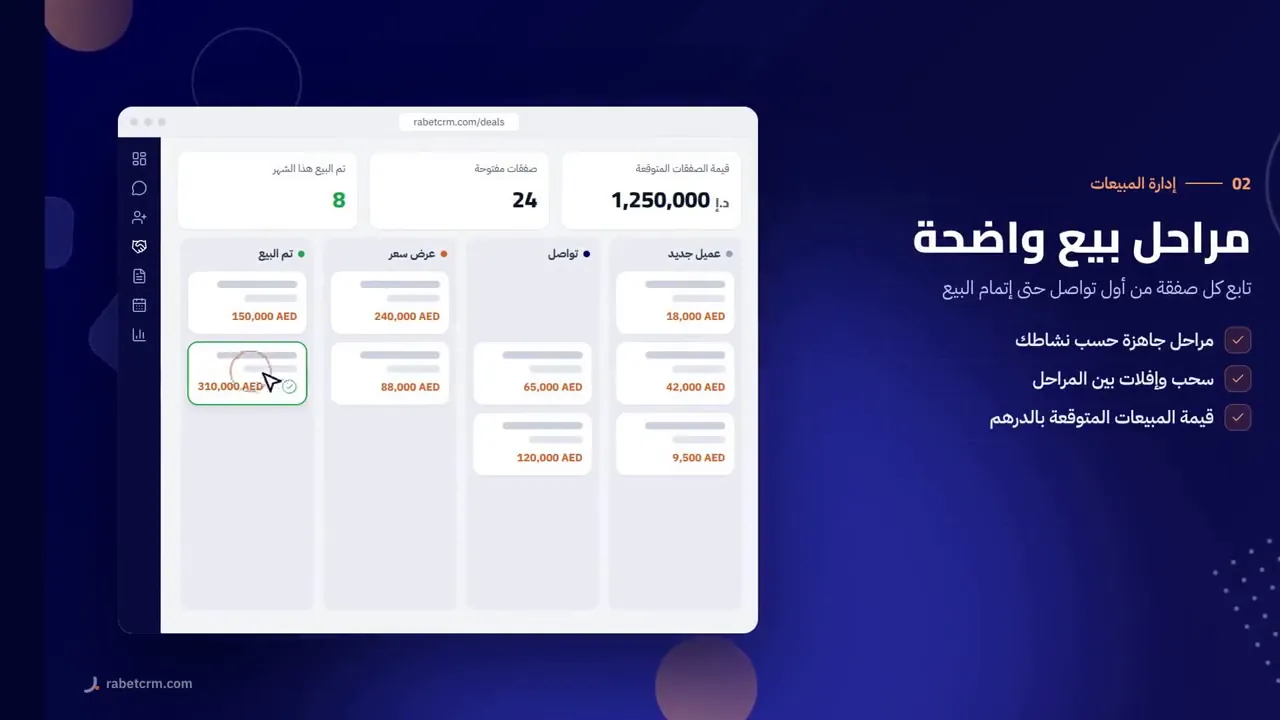
Why real estate deals are lost at each stage
Early-stage losses — right after the first contact — usually point to speed or targeting: the buyer found someone faster, or was never a real buyer. Look at response time and lead source before anything else.
Mid-stage losses, after viewings, usually point to the shortlist: wrong area, wrong layout or wrong budget. Better qualification before booking viewings reduces them.
Late-stage losses, during negotiation or reservation, usually point to terms: price, payment plan or handover date. Understanding why real estate deals are lost at this stage is the most valuable, because these buyers were genuinely ready to purchase.
Lost-deal analysis in RabetCRM
- Where is the lost reason recorded?
- On every deal closed without a sale — so you learn why you lose.
- Where do I see the pattern?
- The win/loss report, filtered by period and team, alongside lead sources and per-agent performance.
- Can I re-engage lost buyers?
- Yes — filter by lost reason, save a segment and send a WhatsApp message to the list.
- Can I follow up later automatically?
- Create a dated follow-up task on the lead, with in-app, email and push reminders.
Reading the report
If "bought elsewhere" leads the list, look at response time first. If "price" leads for one source only, the campaign is attracting the wrong budget. If one agent's lost reasons differ sharply from the team's, coach that agent on qualification. The goal is not a perfect report — it is one concrete change each month.
Key takeaways
- Keep six to eight lost reasons and make one mandatory on every lost deal.
- Close stuck deals with a reason instead of leaving them open.
- Review the top reasons monthly by source and by agent.
- Understanding why real estate deals are lost at each stage points to a specific fix.
- A buyer lost to timing is often next season's easiest deal.
FAQ
Can I edit the stages and lost reasons?
Stages are fully editable; a lost reason is recorded on each lost deal.
Can I export win/loss data?
Yes, any report exports to Excel.
Does it work for rentals too?
Yes — use a separate rentals pipeline so sales and rental win rates stay separate.
Useful links
Try RabetCRM free for your agency
No card required — set up for real estate in minutes.
Start free trial