Real Estate Listing Management in a CRM: Photos, Permits and Status in One Place
· 3 min read · RabetCRM team
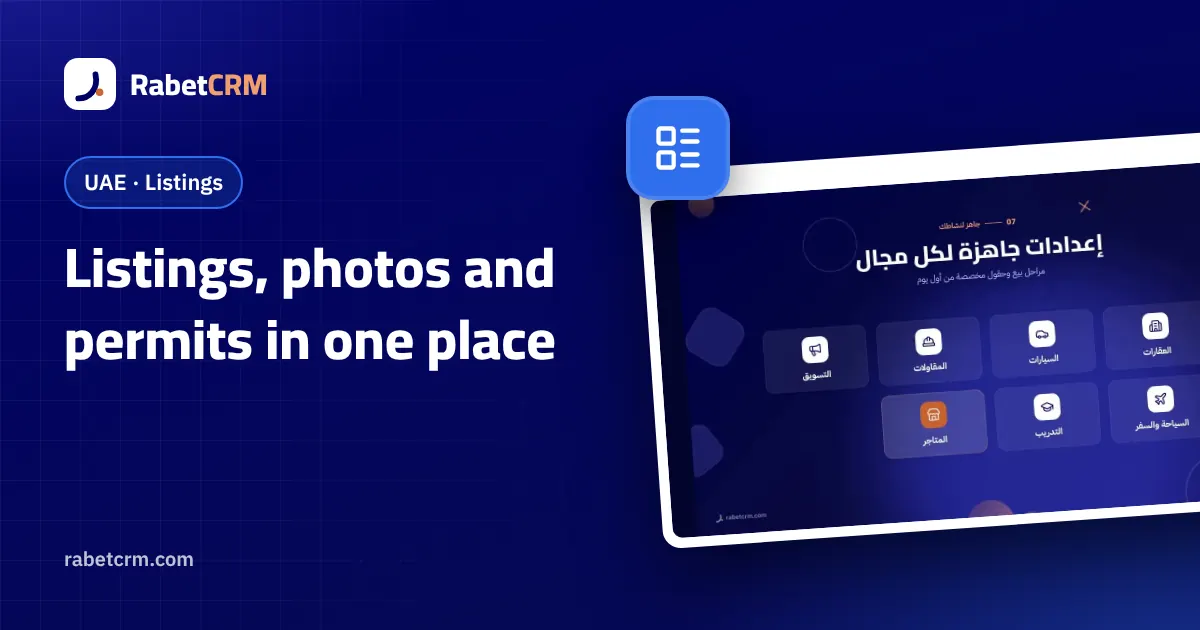
A listing management CRM keeps every unit accurate in one place — photos, price, status and permit — so portals, clients and agents all see the same thing. This guide covers how UAE agencies set it up and keep it clean.
Stale listings cost UAE agencies twice: buyers call about units that are already gone, and regulators penalise ads with expired permits. When every portal is updated by hand, both problems are guaranteed. The fix is to treat the CRM as the single source of truth for every unit.
One unit, one record
- Photos, specifications, price and status live on one record.
- Status (available, reserved, sold or rented) is changed once and flows everywhere.
- The permit number and expiry sit on the unit, not in a separate spreadsheet.
- Leads who ask about the unit are linked to it automatically.
Permits per emirate
| Emirate | Permit to store on each ad |
|---|---|
| Dubai | Trakheesi permit |
| Abu Dhabi | Madhmoun permit |
| Other emirates | The local authority's approval or permit number |
Whatever the emirate, the rule is the same: no permit, no publishing — and an alert well before expiry so a live ad never lapses.

Why a listing management CRM beats spreadsheets
Spreadsheets can list units, but they can't publish to portals, link enquiries to the right unit or warn you before a permit expires. A listing management CRM does all three from the same record, so one change updates everything.
It also connects listings to sales. When a buyer asks about a unit, the enquiry is linked to it; when the unit is reserved, its status changes for every agent at once. That stops two agents promising the same apartment to different buyers.
Over time, a listing management CRM shows which units attract enquiries and which sit idle. That data helps you advise owners on pricing with evidence instead of opinion, which builds trust and wins more mandates.
Managing a listing in RabetCRM
- 1
Add the unit once
Sale or rent, photos, specs, price, status, emirate, and plot and built-up areas for villas and land.
- 2
Record the permit
Store the permit number and expiry; you are alerted two weeks before it lapses and the unit isn't published without it.
- 3
Publish to portals
A feed link per portal (Property Finder, Bayut, Dubizzle) keeps every portal in sync after one setup.
- 4
Share a branded page
Send a listing page in your agency's name, in Arabic and English, with a WhatsApp button.
- 5
Know when it is opened
You are alerted the moment a client opens the listing page, so you call while they are looking.
Weekly listing hygiene
- Review units with no enquiries in 30 days — price, photos or description need work.
- Check permits expiring in the next 30 days.
- Confirm reserved units with the owner or developer.
Key takeaways
- One record per unit: photos, price, status, permit and emirate.
- No permit, no publishing — with an alert before every expiry.
- Portal feeds keep every portal in sync after one change.
- A listing management CRM links enquiries to units and shows which units sit idle.
- Weekly hygiene keeps listings accurate and owners confident.
FAQ
Does RabetCRM issue Trakheesi or Madhmoun permits?
No. Permits are issued by the authorities; RabetCRM stores the number and expiry and blocks publishing without one.
Can I store the Ejari number?
Yes, the Ejari number can be recorded on rental units.
How many listings can I add?
It depends on the plan; Starter includes up to 50 listings with photos and listing pages.
Useful links
Try RabetCRM free for your agency
No card required — set up for real estate in minutes.
Start free trial